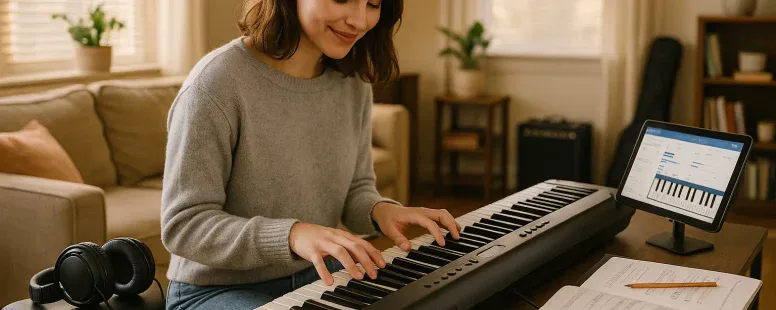
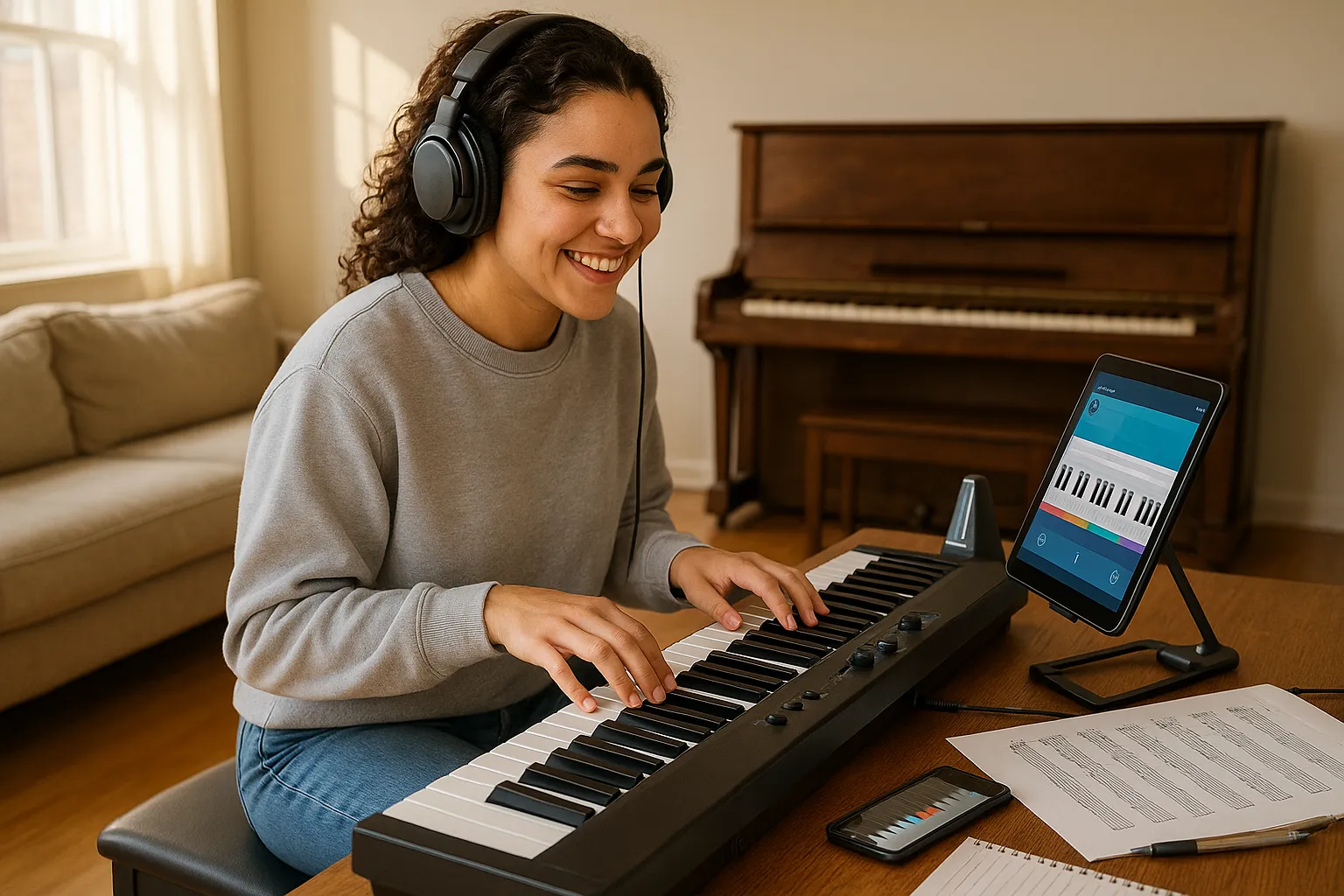
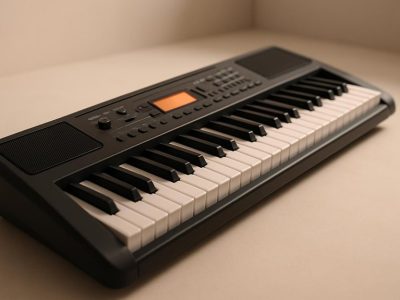
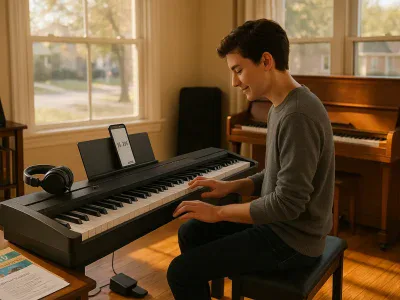
A keyboard gives you piano sound, practice features, and portability at a fraction of the cost and space of an acoustic instrument. Picture pressing a key and hearing a full concert-grand tone, then switching to synth pads or a drum groove without moving gear. For many beginners, that flexibility accelerates progress: you practice quietly with headphones, track your progress with apps, and still get realistic feel if you choose the right model. In this guide you’ll learn which features matter, see clear category picks (with reasons), and get honest, practical advice so you choose a keyboard that helps you learn.
Why Choose a Keyboard Over an Acoustic Piano
Fact: a keyboard is more affordable, portable, and feature-rich than an acoustic piano. You save money and space, and you gain tools that help you learn faster.
A keyboard gives you volume control and headphone output so you can practice without disturbing others. It offers metronomes, built-in lessons, and backing tracks that keep practice interesting. For beginners, that immediate feedback matters. You don’t need to tune a keyboard, and digital samples capture convincing piano tone from brands like Yamaha, Roland, and Kawai.
Think of a keyboard as a learning platform. You can connect it to apps like Simply Piano or flowkey via USB or Bluetooth, record your sessions, and experiment with sounds. That variety keeps you motivated when basic scales start to feel dull.
A candid downside: most entry-level keyboards don’t match the exact weighted key feel of an acoustic. But many models now offer graded weighted action that comes close. If you plan long-term classical study, you may eventually want a digital piano with fully weighted keys. For most learners though, a keyboard gives the fastest path to playing music you enjoy.
Key Features To Look For in a Beginner Keyboard
Fact: focus on key action, key count, touch sensitivity, polyphony, connectivity, and build quality when you shop. Below are clear, practical notes so you know what to test in-person or look for in specs.
Key Type And Action (Unweighted, Semi-Weighted, Weighted)
Fact: key action determines how the keys feel and how your technique develops. Unweighted keys feel light and springy: semi-weighted add resistance and a modest sense of weight: fully weighted keys mimic acoustic hammers and support proper finger technique.
Try to press keys in a store. If you can, test scales and staccato passages. For lessons, weighted or graded-weighted keys are better. For casual play, semi-weighted may suffice.
Number Of Keys And Size Considerations
Fact: 88 keys equal a full piano range: 61 keys cover most pop and beginner repertoire. Smaller keyboards (49–61) save space and money but limit octave range.
If you’ll learn classical pieces, get 88 keys. If you have limited space, 61 keys is a reasonable compromise.
Touch Sensitivity And Velocity Response
Fact: touch sensitivity lets the keyboard vary volume and timbre by how hard you press. This is essential for expressive playing.
Look for adjustable velocity curves so you can tailor response to your touch. Some cheaper models have stiff or uneven velocity: reviews and in-store tests help here.
Polyphony, Sound Quality, And Built-In Voices
Fact: polyphony is the number of simultaneous notes the keyboard can produce. Aim for at least 64-note polyphony: 128 is safer for layered sounds and sustained passages.
Sound quality depends on sample depth and speaker design. Brands like Yamaha and Roland sample real pianos at different velocity layers, giving richer tone. Built-in voices (electric piano, strings, organ) expand practice options and creativity.
Connectivity: USB, MIDI, Bluetooth, Headphones, And Apps
Fact: modern keyboards should offer USB-MIDI and headphone jacks. Bluetooth is convenient for wireless audio and app control.
USB lets you record in a DAW or use lesson apps. MIDI supports external sound modules. Headphones let you practice late at night. Check device compatibility if you plan to use specific apps.
Pedals, Split/Layer Functions, And Learning Modes
Fact: a sustain pedal is essential for basic piano technique. Split/layer modes let you play two sounds at once or assign different sounds to left and right hands.
Learning modes and onboard lesson tracks accelerate progress. Try features like lighted keys or built-in grading only if they match your learning style: some students find them helpful, others distracting.
Power Options, Portability, And Build Quality
Fact: portable keyboards often run on batteries and weigh under 15 pounds. Home digital pianos sacrifice portability for sturdier build and stands.
Consider how you’ll use the keyboard. If you travel to lessons or gigs, portability matters. If it stays at home, prioritize stable construction and solid speakers.
Top Beginner Keyboard Picks (Categories With Short Rationale)
Fact: the right keyboard depends on your priorities, budget, feel, connectivity, or portability. Below are category picks and why they work.
Best Overall Beginner Keyboard
Fact: Yamaha PSR-EW series or Casio CT-X/Privia line offer broad features and good sound.
They combine realistic voices, ample polyphony, 61–88 key options, and reliable build. They suit lessons and casual playing.
Best Budget Option Under $200
Fact: the Alesis Melody or Casio SA series often hit this price with basic features.
These deliver decent sound, built-in lessons, and headphones output. You trade key quality and polyphony for price, fine for early practice.
Best For Kids And Small Hands
Fact: smaller 49–61 key models with lighter action help kids start without strain.
Kids benefit from simple interfaces and fun sounds. Consider Yamaha Piaggero or small Casio models that balance size and durability.
Best With Weighted Keys For Piano Feel
Fact: Yamaha P-125, Casio Privia PX series, and Roland FP series give realistic weighted action at beginner-friendly price points.
They use hammer-action keybeds and deliver sustain pedal compatibility for technique development.
Best For Learning Apps And Connectivity
Fact: keyboards with USB-MIDI and Bluetooth like Korg B2 or Yamaha digital pianos integrate smoothly with apps.
They let you record to GarageBand, use flowkey, and route audio wirelessly.
Best Portable Option For Gigging Or Travel
Fact: Roland GO:PIANO or Yamaha P-series stage-friendly models are light, battery-capable, and robust.
They offer punchy speakers and quick setup for small gigs and travel.
How To Choose The Right Keyboard For Your Needs And Budget
Fact: match the keyboard to your goals, space, and budget: don’t buy features you won’t use. Below are steps to refine your choice.
Choosing Based On Goals: Casual Playing, Lessons, Or Performance
Fact: if you want casual play, aim for 61 keys and good speakers. For lessons, prioritize weighted keys and sustain pedal. For performance, choose portability and robust outputs.
Be honest about your commitment. If you plan serious study, invest in weighted keys early to avoid re-learning technique.
Budget Tiers And What To Expect At Each Price Point
Fact: under $200 gets basic playability: $200–$600 brings better sound and more features: $600–$1,200 includes quality weighted actions: $1,200+ approaches stage-ready and premium simulation.
Adjust expectations accordingly. You can find usable keyboards at every tier, but touch response and sample depth improve with price.
Space, Amplification, And Home Setup Considerations
Fact: measure your space and consider an adjustable stand and compact bench.
If you’ll jam with others, budget for an amp or PA. For bedroom practice, check headphone compatibility and speaker placement.
Accessories To Budget For (Stand, Bench, Pedal, Case, Headphones)
Fact: add $50–$200 for essential accessories. A decent sustain pedal ($20–$50), a sturdy stand ($30–$100), and closed-back headphones ($40–$150) matter.
A padded gig bag helps if you travel.
Practical Tips For Buying New Vs. Used
Fact: used keyboards can offer excellent value, but test keys, ports, and speakers before buying.
Check for sticky keys, cracked casings, and missing power supplies. Prefer local pickup to test in person. If buying online, ask for recent photos and a short video of the keyboard playing.
Getting Started: Setup, Basic Practice Routine, And Resources
Fact: a simple setup and a short daily routine produce steady progress. Below are practical starter steps and resource suggestions.
Quick Setup Checklist And First Practice Session Plan
Fact: set up your keyboard, connect headphones, and calibrate touch sensitivity.
First session: warm up 5 minutes with scales, 10 minutes on a simple song, 5 minutes on rhythm with metronome. Total 20 minutes. Increase time gradually.
Recommended Beginner Lessons, Apps, And Online Courses
Fact: apps like flowkey, Simply Piano, and Yousician pair well with keyboards that offer USB-MIDI.
Also consider online courses from JustinGuitar (piano sections), Hoffman Academy, and Coursera piano classes. Mix app lessons with a teacher if you can.
Simple Exercises To Build Coordination And Rhythm
Fact: practice separate hands, scales, and chord progressions.
Try: 5-min right-hand C major scale, 5-min left-hand broken chords, then 10-min song practice with both hands. Use a metronome and increase tempo slowly.
Maintenance, Care, And Troubleshooting Basics
Fact: keep the keyboard dry and dust-free: unplug during storms.
If keys stick, remove dust with compressed air. Firmware updates can fix MIDI issues: check the manufacturer site. For speaker problems, test with headphones to isolate the fault.
Common Beginner Mistakes And How To Avoid Them
Fact: beginners often pick the wrong key action, overspend on extras, or skip steady practice. Recognizing these mistakes saves time and money.
Ignoring Touch And Key Count Versus Long-Term Needs
Fact: choosing a light, unweighted keyboard can hamper technique later.
If you plan serious study, start with at least semi-weighted keys or plan to upgrade. Think ahead about repertoire and whether you’ll need 88 keys.
Buying Too Many Extras Upfront
Fact: extras like mixers, multiple pedals, and costly cables add expense without improving basic skill.
Buy essentials first: a stand, a sustain pedal, and headphones. Add more gear as your needs grow.
Skipping Regular Practice Or Structured Learning
Fact: irregular practice stalls progress.
Set a realistic schedule (20–30 minutes daily) and follow a plan. Use lessons, apps, or a teacher to stay accountable.
Vulnerable moment: I once bought a flashy keyboard with lots of sounds and used it only sporadically for months. I learned that features don’t replace habit. Stick to a routine, even when motivation dips. You’ll improve faster than you expect.
To provide the best experiences, we use technologies like cookies to store and/or access device information. Consenting to these technologies will allow us to process data such as browsing behaviour or unique IDs on this site. Not consenting or withdrawing consent, may adversely affect certain features and functions.
Functional
Always active
The technical storage or access is strictly necessary for the legitimate purpose of enabling the use of a specific service explicitly requested by the subscriber or user, or for the sole purpose of carrying out the transmission of a communication over an electronic communications network.
Preferences
The technical storage or access is necessary for the legitimate purpose of storing preferences that are not requested by the subscriber or user.
Statistics
The technical storage or access that is used exclusively for statistical purposes.The technical storage or access that is used exclusively for anonymous statistical purposes. Without a subpoena, voluntary compliance on the part of your Internet Service Provider, or additional records from a third party, information stored or retrieved for this purpose alone cannot usually be used to identify you.
Marketing
The technical storage or access is required to create user profiles to send advertising, or to track the user on a website or across several websites for similar marketing purposes.