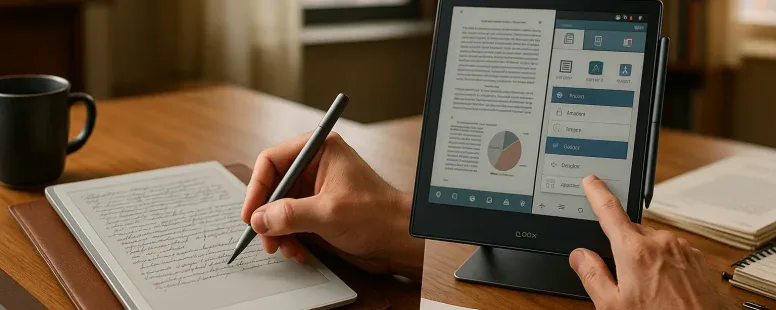
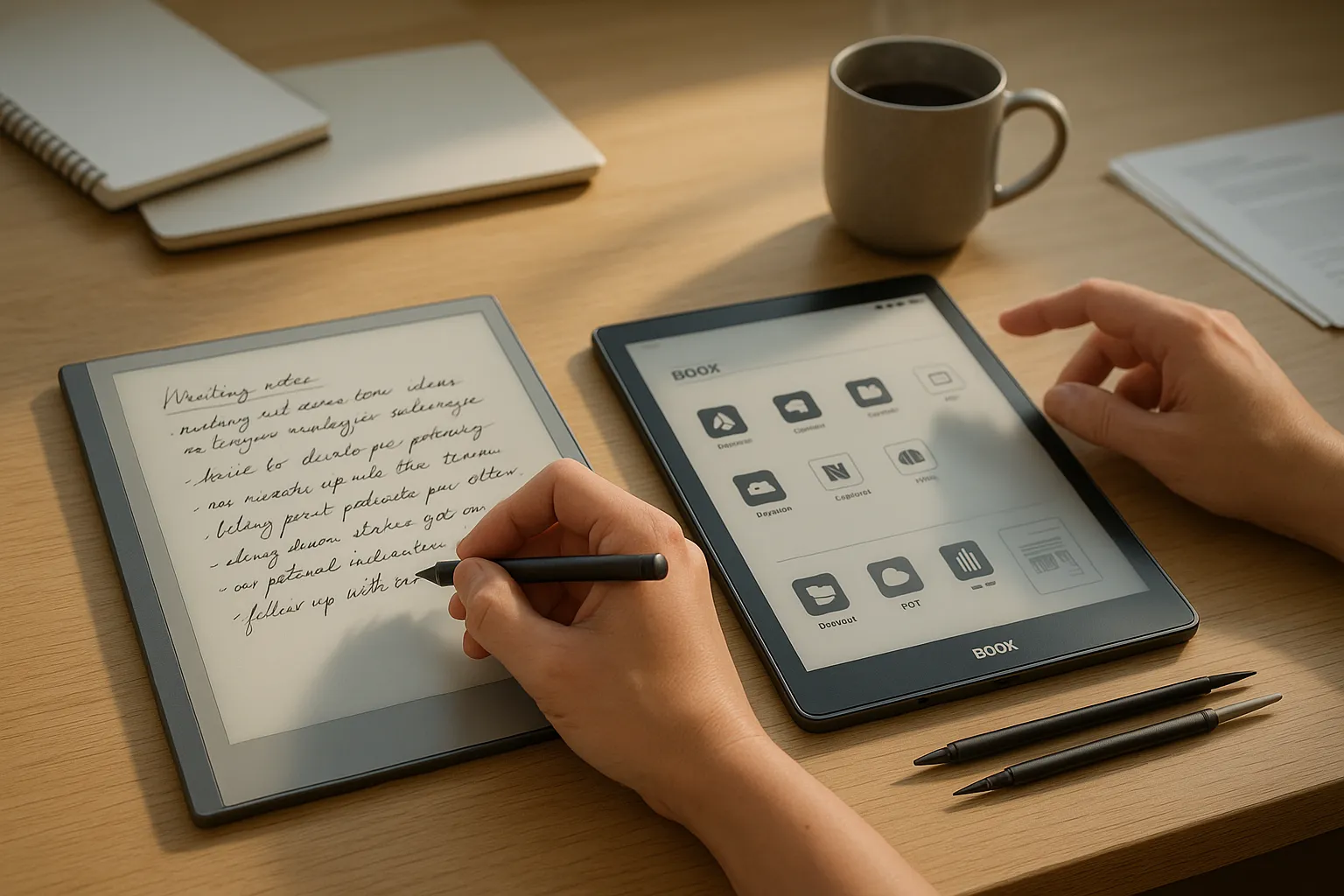
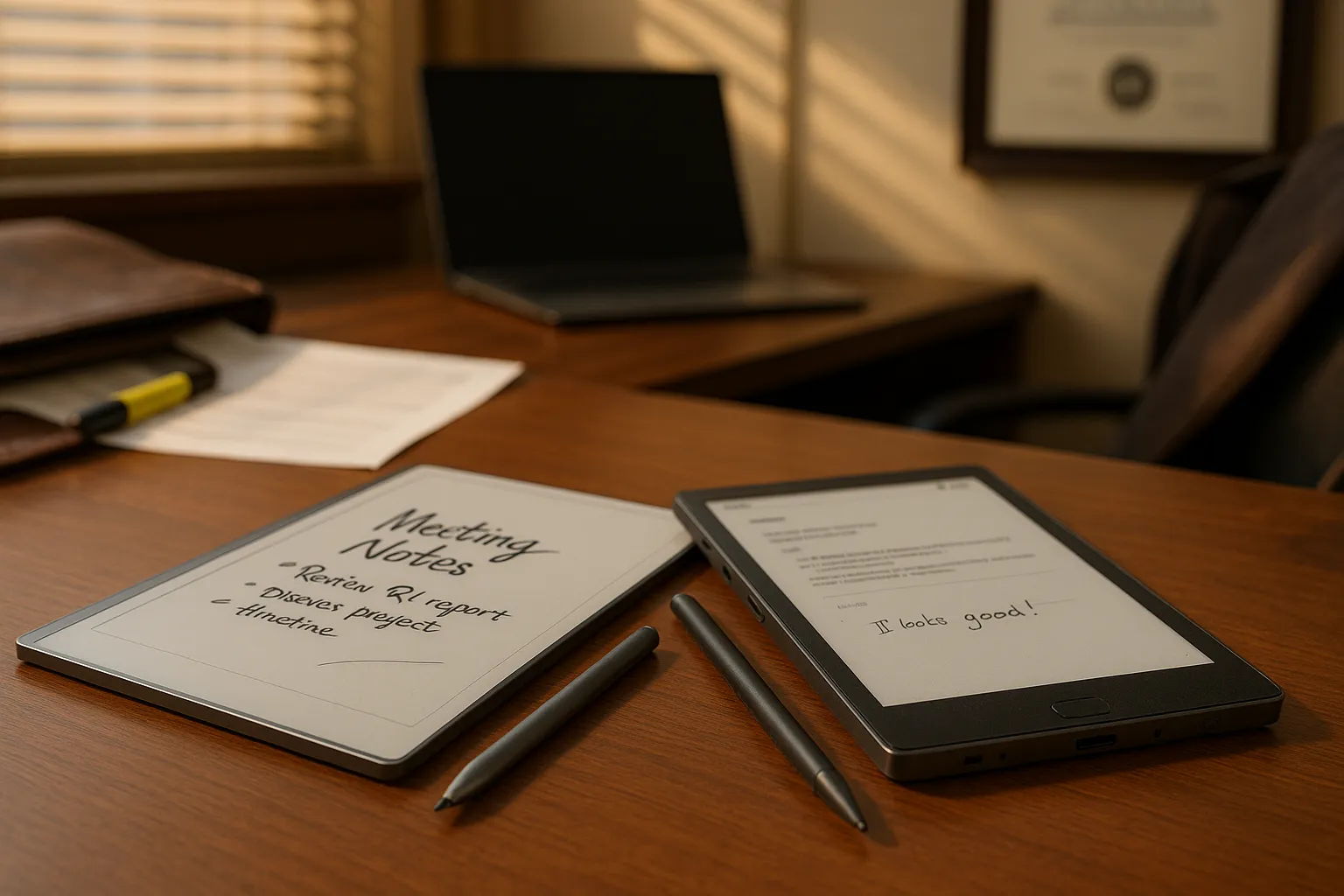
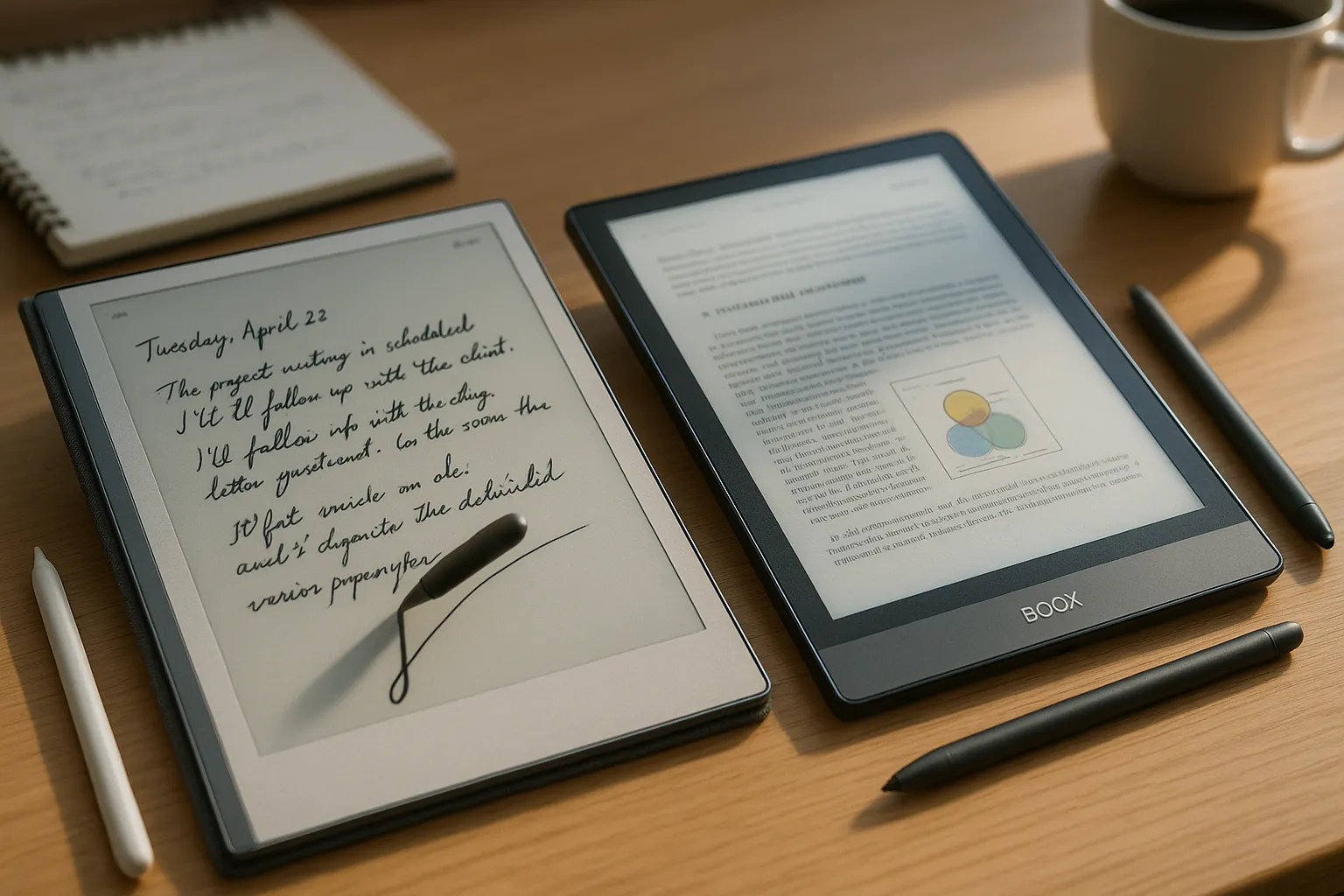
You can treat note-taking like a craft or a chore. For many professionals, lawyers, researchers, writers, and engineers, the choice of digital paper shapes daily work. The reMarkable 2 and Onyx Boox line both promise pen-on-paper fidelity, but they take very different routes: one narrows focus to distraction-free handwriting, the other opens a full Android tablet toolkit with ink capability. This comparison slices into design, writing feel, annotation power, and real-world workflows so you can match tool to task. Expect concrete trade-offs, honest flaws, and clear advice you can act on.
Quick Comparison Snapshot
Clear answer: reMarkable 2 gives a focused, paper-like writing experience: Onyx Boox offers flexibility and app support. The reMarkable 2 centers on handwriting, long battery life, and a minimalist interface. Onyx Boox devices (e.g., Note Air 3, Nova Air C) run Android, support third-party apps like Dropbox, Evernote, and Microsoft OneNote, and handle many file types.
Fact: reMarkable 2 uses a proprietary OS with strong handwriting conversion and cloud sync. Onyx Boox uses Android with an open platform model. If you need distraction-free single-purpose writing, reMarkable 2 fits. If you need multi-format reading, heavy PDF work, or running reference apps, pick Onyx Boox.
Quick specs table (verbal): reMarkable 2, 10.3″ E Ink, 187 g, up to two weeks battery, Marker stylus, limited apps. Onyx Boox, 10.3″+ E Ink options, 300–450 g, days to weeks battery depending on use, multiple pen options, full Android app store access.
You should note: on-paper feel wins on reMarkable: versatility wins on Boox. Expect trade-offs in performance and simplicity.
Design, Build Quality, And Pen Feel
Clear insight: reMarkable 2 is slimmer and lighter: Onyx Boox offers more hardware variety. reMarkable 2 uses a thin magnesium frame and matte textured display that mimics paper. The device feels like a premium notebook in hand. Onyx Boox models use metal or polycarbonate shells: some feel chunkier, but they add ports, speakers, and buttons you may want.
Design And Materials
Fact: reMarkable 2 measures 4.7 mm thin and leans into minimalism. Onyx Boox devices range wider, Note models usually add a small bezel with physical buttons. If you carry the device all day, reMarkable 2 is easier in a shoulder bag. But if you need on-device storage, SD slots, or robust chassis, Boox has those options.
Pen Options, Latency, And Feel
Fact: reMarkable 2 ships with the Marker or Marker Plus (the Plus has an eraser). Onyx Boox supports Wacom and proprietary pens across models. You will feel reMarkable’s textured nib scrape across the screen: it simulates graphite in a way few devices match. Onyx pens often offer lower latency and pressure depth in some models, and the ability to customize buttons. But, software tuning affects feel more than hardware: sometimes Boox feels jittery in one app and buttery in another.
Vulnerable moment: I once annotated a long brief on a Boox tablet only to find the pen mapping off in a courthouse deposition: I lost time. That taught me to test pen behavior with your actual PDFs before relying on it for a critical meeting.
Display Technology And Writing Experience
Clear fact: both devices use E Ink, but display controllers and refresh methods differ. reMarkable 2 focuses on stable, minimal refresh for a paper feel. Onyx Boox uses more aggressive partial refresh and color options on some models (like Kaleido displays) to support magazines and color diagrams.
Screen Type, Contrast, And Refresh Behavior
reMarkable 2 uses a monochrome Carta E Ink panel with a textured surface that increases friction. The contrast is good for text, and page refresh tries to avoid ghosting while preserving the ink-like look. Onyx Boox often offers higher resolution or front lights and low-latency controllers: some models include color E Ink (Kaleido) with lower contrast but added versatility.
Writing Experience
You will get the closest pen-on-paper sensation on reMarkable 2. But you will get more responsive strokes and less ghosting in certain Boox models depending on refresh settings. Choose reMarkable 2 if the tactile mimicry matters. Choose Boox if you want adjustable refresh, color, and a reading experience that handles diverse content types.
Practical tip: test common tasks, writing long notes, drawing diagrams, and zoomed PDF marking, to see which display suits your habits.
Note-Taking Features, Organization, And Search
Clear answer: reMarkable 2 provides streamlined notebooks and good handwriting conversion: Onyx Boox gives richer organizational tools via apps and file systems.
Palm Rejection, Lasso Tools, And Conversion Accuracy
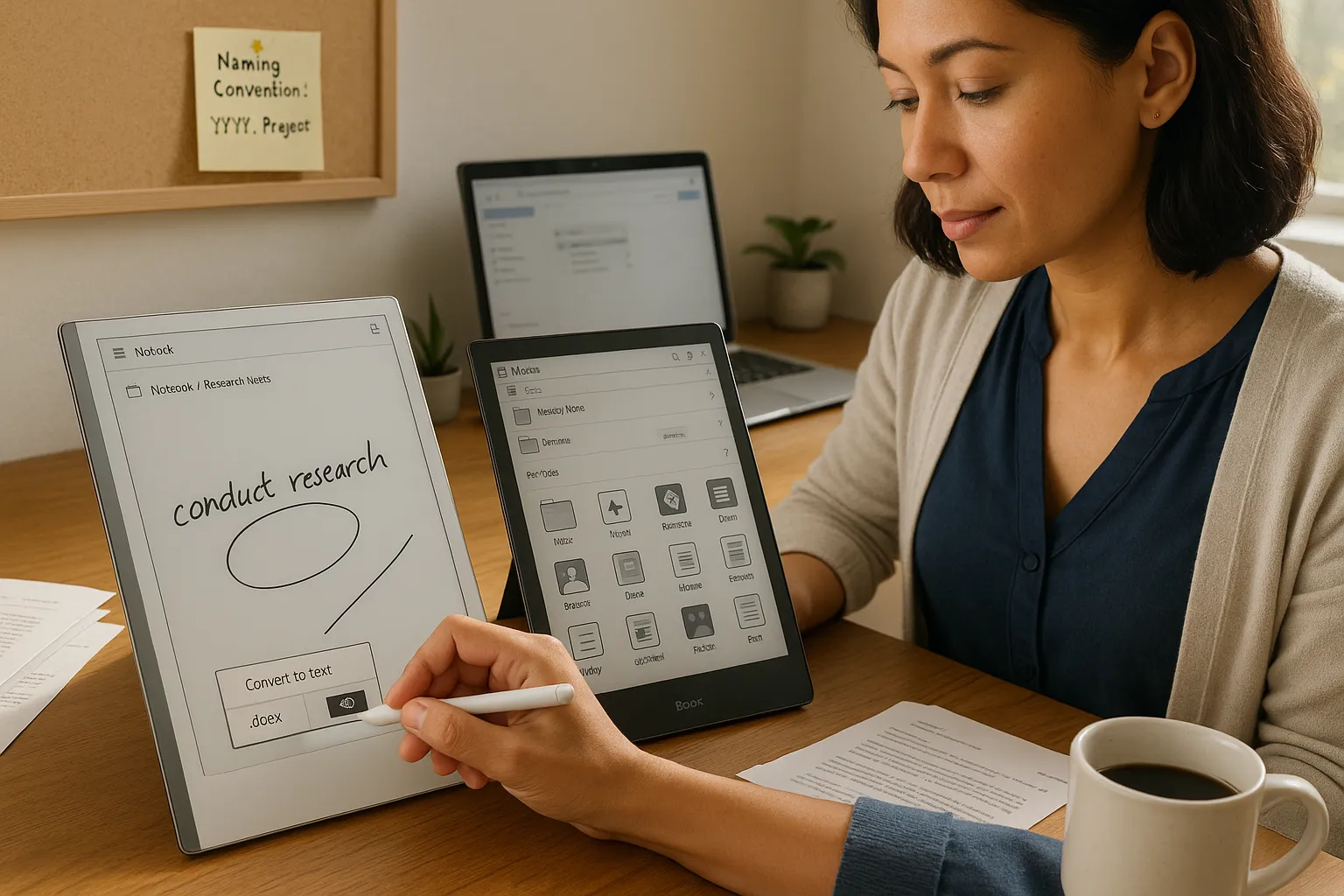
Fact: reMarkable 2 has robust palm rejection and a fast lasso tool for selecting handwriting and converting it to typed text. Its conversion engine recognizes multiple languages and exports to searchable PDFs and .docx. Onyx Boox supports similar tools in native apps and third-party note apps: accuracy varies by app. You can use Nebo on Boox for strong conversion, or reMarkable’s built-in converter.
Search and Organization
reMarkable 2 organizes notebooks and pages in a clean hierarchy. Search works on converted text and tags. On Boox you get file managers, folders, and app-based tagging. If you rely on fast full-text search across many mixed-format files, Boox paired with an app like Evernote or local desktop indexing will serve you better.
Human detail: I misfiled a research set once on reMarkable because I renamed notebooks inconsistently. The lesson: set a naming convention first, otherwise search helps less than you expect. Both devices reward disciplined file naming.
Document Handling, PDF Annotation, And Productivity Workflows
Clear fact: Onyx Boox handles large PDFs and complex annotations better: reMarkable 2 shines for clean, simple markup.
File Formats, Import/Export, And Page Management
Onyx Boox reads a wide range of formats, PDF, EPUB, MOBI, DJVU, and supports direct file transfers via USB, cloud services, or app stores. reMarkable 2 focuses on PDF and PNG with clean export to PDF and EPUB via their cloud. If your workflow includes many file types, Boox reduces friction.
PDF Annotation Tools, Redaction, And Stamping
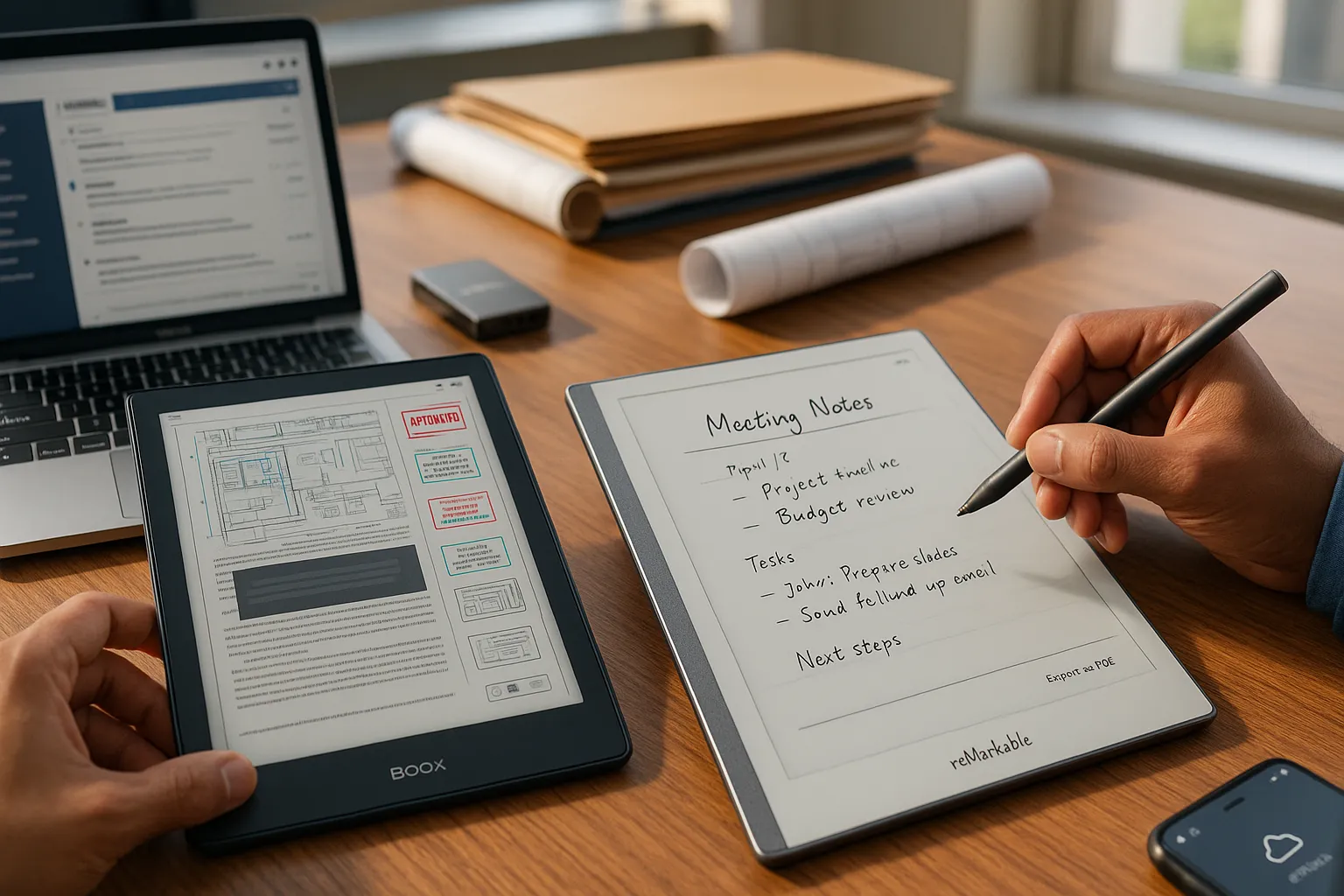
Boox includes advanced annotation tools: layered notes, stamps, redaction options (varies by model/app), and ability to flatten or export annotated PDFs. reMarkable 2 offers clear annotation tools and a tidy export path, but lacks some redaction or stamping conveniences. For legal or engineering workflows that require heavy PDF edits, Boox often wins.
Productivity workflows
If your work centers on uninterrupted note-taking and later exporting to a word processor, reMarkable 2 keeps you focused. If your work requires toggling between reference PDFs, web research, citation apps, and email, Boox’s Android ecosystem reduces context switching.
Practical warning: complex PDFs with layers and heavy diagrams can slow some E Ink devices. Test large files before rolling into a court filing or client deliverable.
Software Ecosystem, Syncing, And Extensibility
Clear fact: reMarkable 2 uses a closed, optimized cloud: Onyx Boox runs Android for app-level extensibility.
Third-Party Apps, Open Platform Versus Walled Garden
reMarkable 2 gives a curated ecosystem, good for privacy and stability but limited for apps. Onyx Boox gives you Google Play or Aptoide access on many models, letting you install apps like OneNote, Kindle, or Dropbox. That openness means more possibilities, but also more potential distractions and maintenance.
Cloud Sync, Offline Access, And Backup Options
reMarkable 2 syncs with the reMarkable cloud and supports desktop apps for Windows and macOS: offline notes sync when you reconnect. Onyx Boox integrates with multiple cloud providers and supports local file systems and SD cards: offline access is native. For enterprise environments that require cloud control, Boox can adapt to existing solutions more easily.
Vulnerable moment: syncing broke once after a firmware update on my reMarkable, delaying a deliverable. I had to use local USB export as a fallback. Always keep a parallel backup plan.
Which Device Fits Which Professional Use Case
Clear directive: choose the device that matches your dominant tasks and tolerance for compromise. Below you get granular comparisons to map device features to roles.
Battery Life, Performance, And Hardware Limitations
Fact: reMarkable 2 often lasts longer in simple note-taking use because the OS stays lean. Onyx Boox battery life varies with active apps and front-light usage: running Android apps shortens runtime. For long field work where charging is scarce, reMarkable 2 usually holds up better.
Price Tiers, Accessories, And Value Considerations
Onyx Boox spans budget to premium with models at various prices: accessories like styluses, cases, and pens vary widely. reMarkable 2 keeps pricing simple but charges for official Marker and Folio accessories. If you like mixing brands for value, Boox offers more choices.
Best For Writers, Researchers, And Academics
Fact: reMarkable 2 suits writers and academics who need distraction-free drafting and neat handwriting conversion. Its page system and linear notebooks mimic paper and help long-form thinking. Researchers who read many academic PDFs may prefer Boox for better PDF handling.
Best For Legal, Engineering, And Heavy PDF Users
Fact: Onyx Boox is better for legal briefs, engineering plans, and heavy PDF workflows. It handles large files, layer-like annotations, and integrates with cloud systems common in these fields. The ability to run apps like GoodReader clones or even Windows-style viewers on some Boox models is a practical edge.
Decision Checklist: How To Choose Based On Workflow
If you value distraction-free writing, pick reMarkable 2.
If you need app support (Evernote, OneNote, Kindle), pick Onyx Boox.
If you annotate large PDFs daily, choose Boox for speed and tools.
If you carry a device all day and want simple syncing, choose reMarkable 2.
Test your most common tasks (open a 200-page PDF, convert a handwritten lecture, export notes to Word) before buying.
Final push: think of the device as a specialized tool, not an all-purpose tablet. Match its strengths to your job and you will save time and frustration. If you can’t test in person, watch hands-on reviews of the exact model you plan to buy and check community forums for firmware quirks and real-user tips.
To provide the best experiences, we use technologies like cookies to store and/or access device information. Consenting to these technologies will allow us to process data such as browsing behaviour or unique IDs on this site. Not consenting or withdrawing consent, may adversely affect certain features and functions.
Functional
Always active
The technical storage or access is strictly necessary for the legitimate purpose of enabling the use of a specific service explicitly requested by the subscriber or user, or for the sole purpose of carrying out the transmission of a communication over an electronic communications network.
Preferences
The technical storage or access is necessary for the legitimate purpose of storing preferences that are not requested by the subscriber or user.
Statistics
The technical storage or access that is used exclusively for statistical purposes.The technical storage or access that is used exclusively for anonymous statistical purposes. Without a subpoena, voluntary compliance on the part of your Internet Service Provider, or additional records from a third party, information stored or retrieved for this purpose alone cannot usually be used to identify you.
Marketing
The technical storage or access is required to create user profiles to send advertising, or to track the user on a website or across several websites for similar marketing purposes.