
Difference Between UI (User Interface) and UX (User Experience)
what makes an app not only visually appealing but also a joy to interact with? The answer lies in the interplay between UI, User Interface, and UX, User Experience. While these terms are often used interchangeably, they refer to distinct yet complementary aspects of product design. Understanding their differences and how they work together is key to creating effective and engaging digital solutions.
Defining UI and UX

What is User Interface (UI)?
User Interface, or UI, encompasses the visual and interactive aspects of a digital product. It includes everything a user can see and interact with, such as buttons, text, images, sliders, input fields, and navigation menus. A well-designed UI ensures that the interaction is visually appealing and that the tools are intuitive and accessible.
Key Components of UI Design
A successful UI design incorporates various components including:
- Visual Design: Typography, color schemes, and layouts.
- Interaction Design: The responsiveness and functionality of elements users interact with.
- Consistency: Uniformity across different parts of the interface, ensuring a cohesive experience.
What is User Experience (UX)?
User Experience, or UX, refers to the overarching interaction and satisfaction a user derives from using a product or service. It considers the user’s entire journey, from the first impression to the final interaction, striving to make the experience as seamless and enjoyable as possible.
Key Elements of UX Design
Effective UX design involves:
- User Research: Understanding user needs, preferences, and pain points.
- Usability Testing: Ensuring the product is user-friendly and accessible.
- Information Architecture: Structuring and presenting information in an intuitive manner.
UI vs. UX: Key Differences

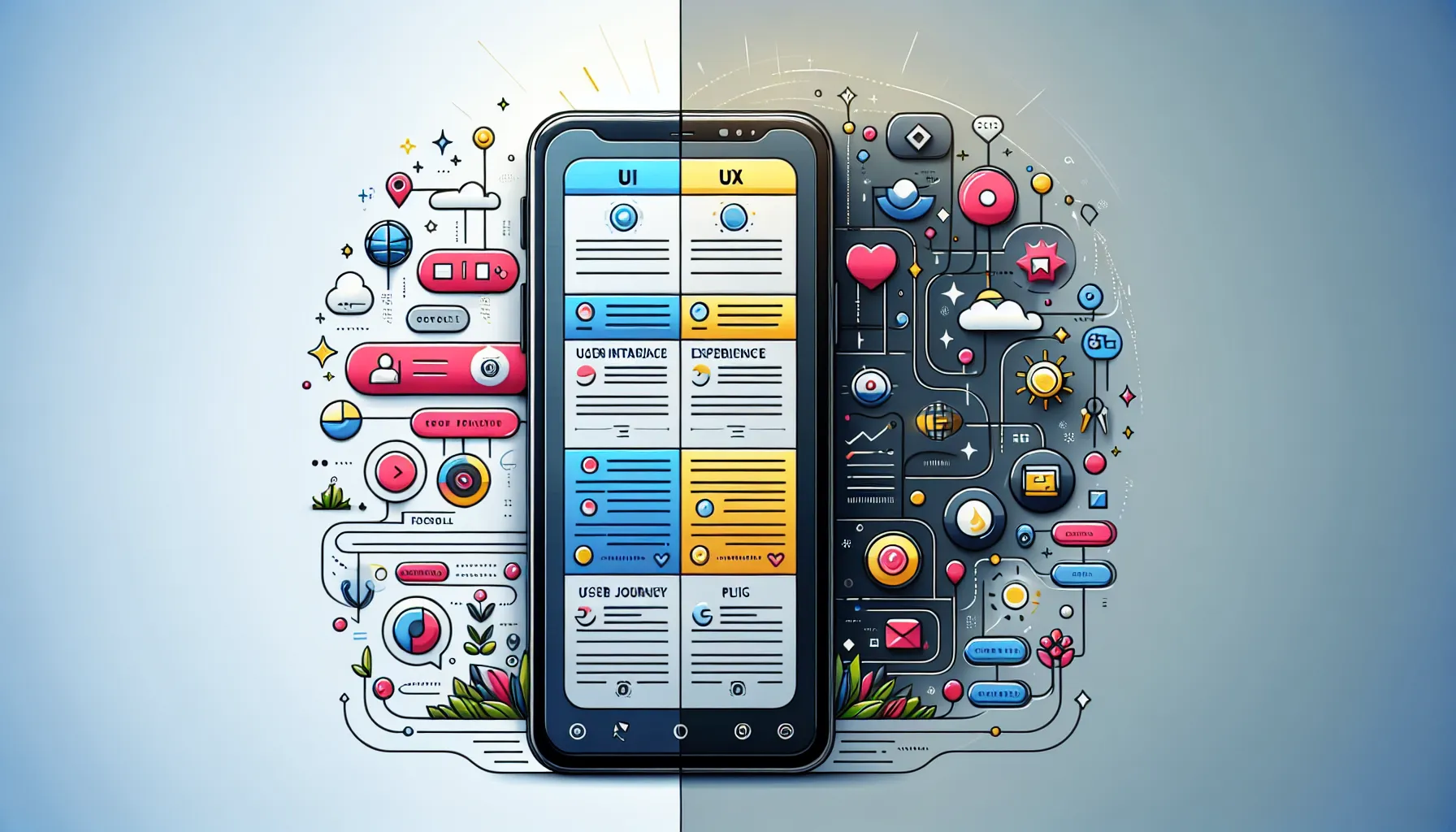
UI and UX serve distinct purposes in the design workflow. UI focuses on the product’s visual and interactive building blocks, while UX concerns itself with the broader user journey and satisfaction. For instance, while UI might determine the layout of an e-commerce website, UX ensures that the purchasing process is straightforward and enjoyable. Both disciplines address user interaction but at different levels.
How UI and UX Complement Each Other

Effective design arises when UI and UX work in harmony. UI handles the aesthetics and functionality, creating a visually appealing design. UX, on the other hand, ensures the design addresses the user’s needs comprehensively. Picture a car: UI represents the interior design elements like the dashboard and controls, while UX ensures the car provides a smooth and intuitive driving experience.
Common Misconceptions About UI and UX

Several misconceptions surround UI and UX. One common misunderstanding is believing that great UI design automatically ensures an exceptional UX, but a visually stunning interface can fail if it’s not user-friendly. Conversely, another misconception is relegating UX solely to usability, while it’s a core aspect, UX encompasses the entire user journey, including emotional responses and overall satisfaction.
Real-World Examples Highlighting UI and UX
Consider a popular app, such as Spotify. Spotify’s UI shines with its sleek design and interactive elements, like intuitive playlists and search functionality. Simultaneously, its UX ensures seamless song discovery, personalized recommendations, and a satisfying user journey, making it a market leader in its category. This synergy of UI and UX underpins its success.

- Competitors Rubrik - September 26, 2026
- Best Wuthering Heights Movie - September 26, 2026
- Best Dji Alternative Reddit - September 25, 2026
by Ellie B, Site Owner / Publisher