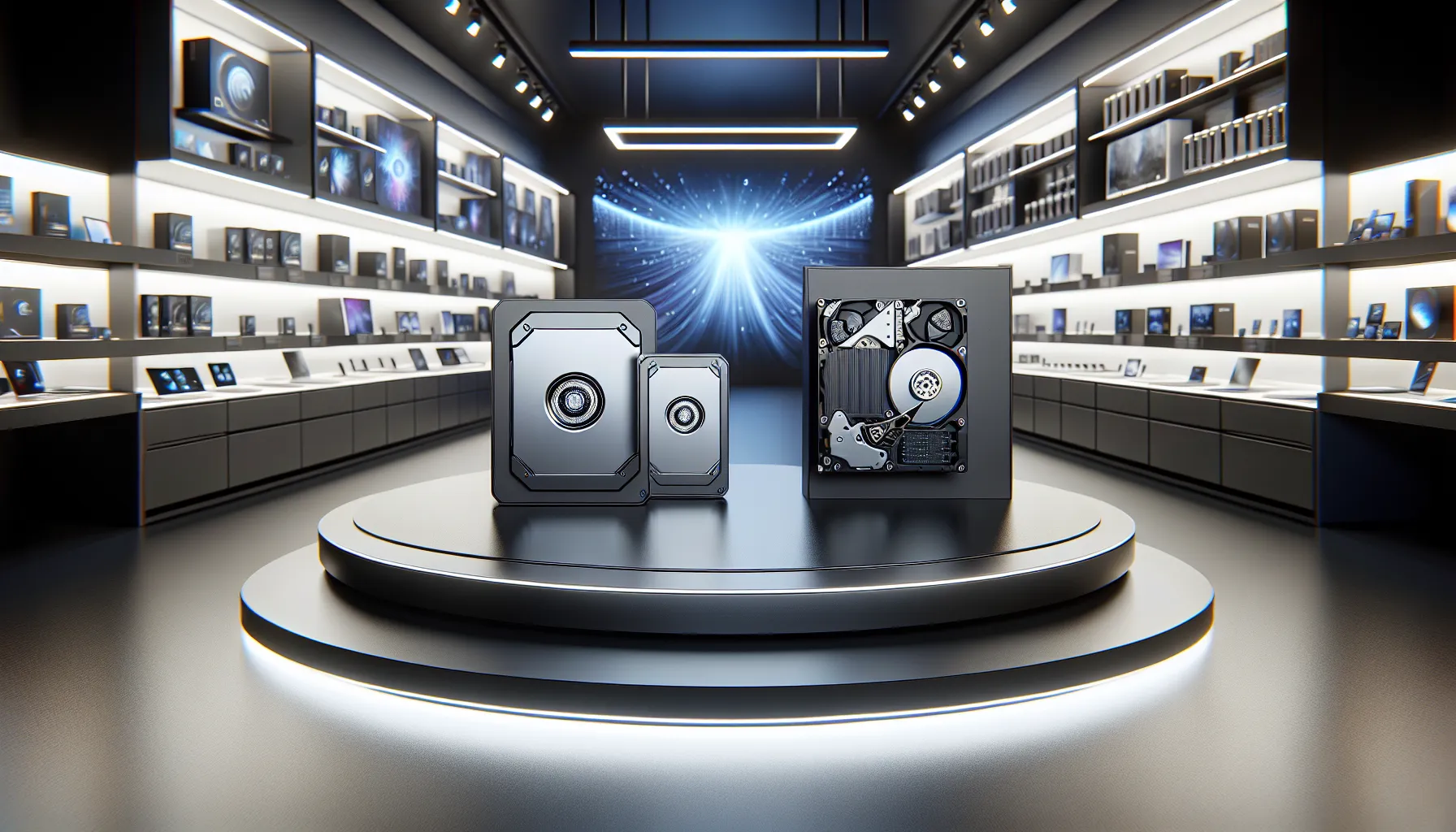
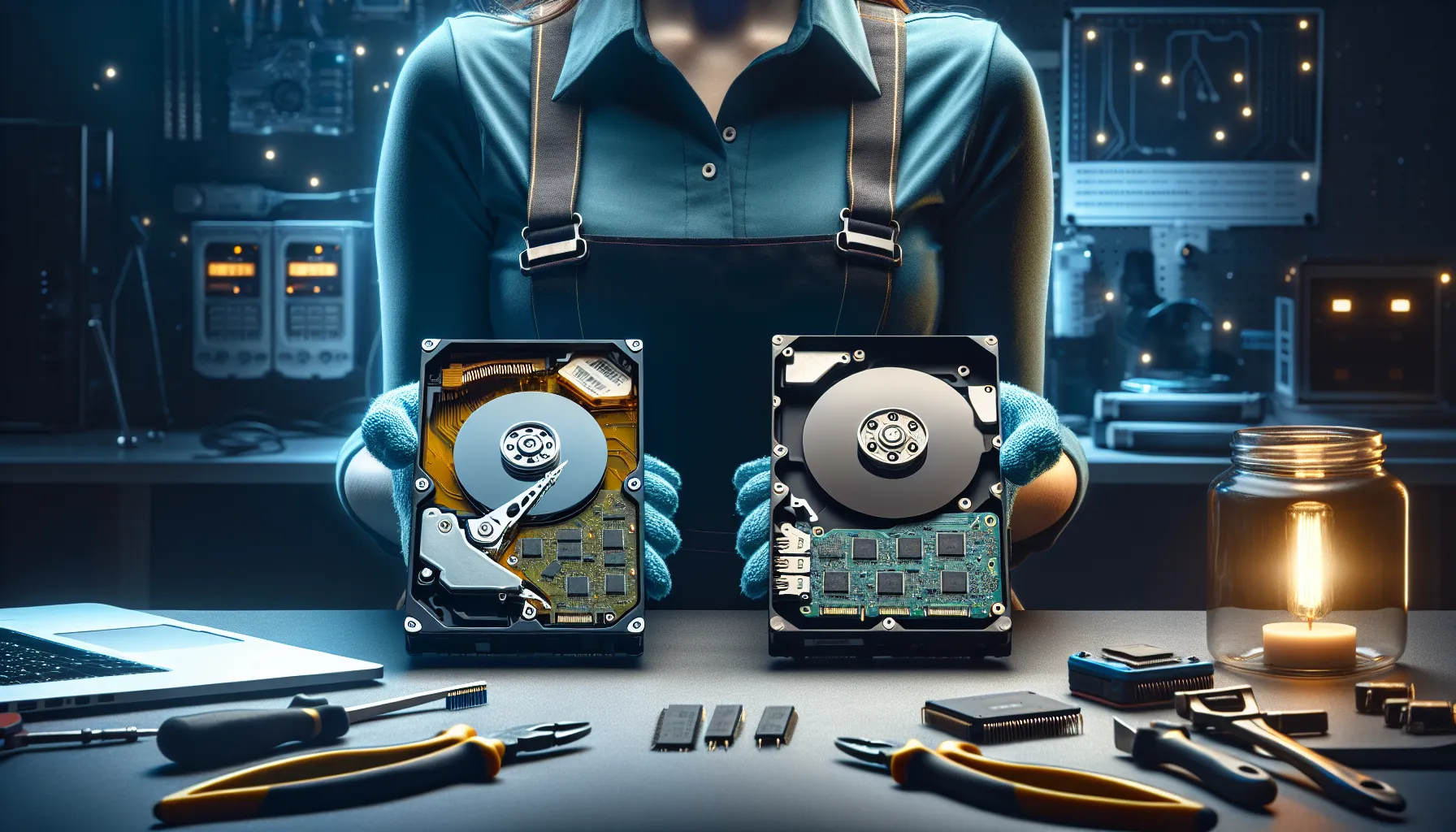
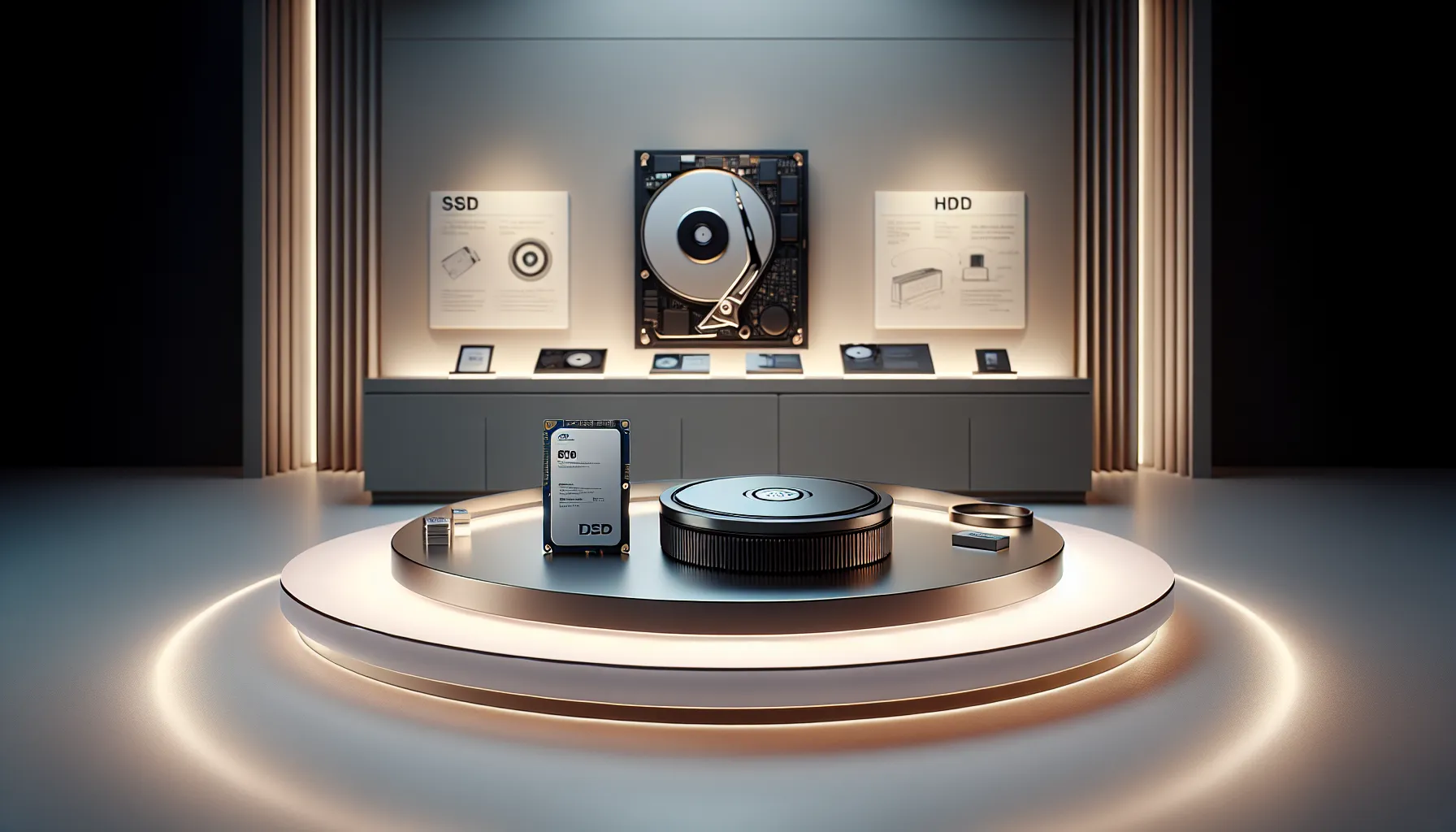
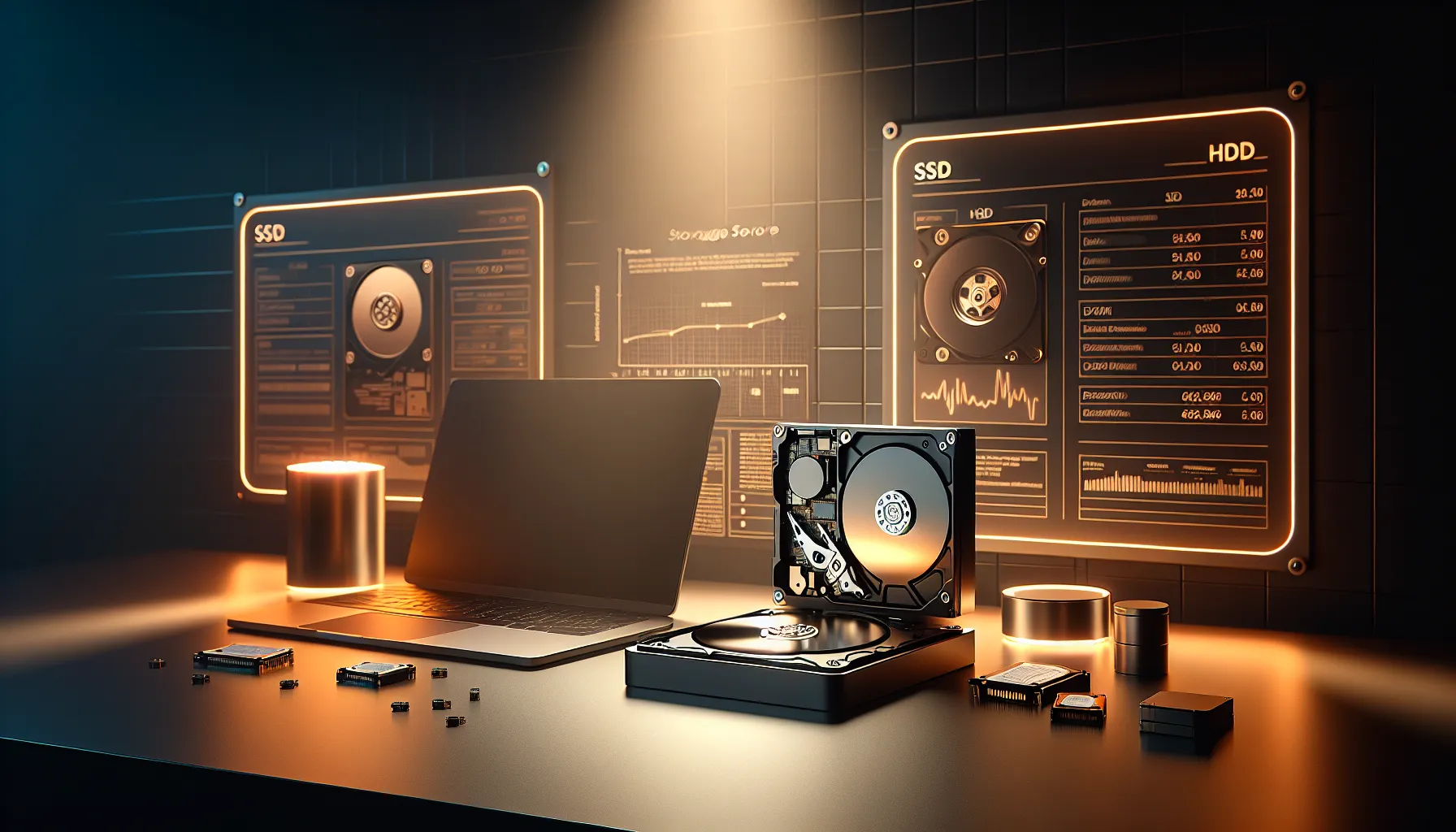
Selecting the right storage device for your computer is fundamental to ensuring its performance and your satisfaction. With two main categories available, Solid State Drives (SSDs) and Hard Disk Drives (HDDs), understanding their distinctions can help you choose the one best suited to your needs. Below, we explore these two technological marvels, uncovering their characteristics and best use cases.
Understanding Storage Devices
Overview of SSDs (Solid State Drives)
Solid State Drives, or SSDs, are modern storage devices that use NAND flash memory to store data. Unlike traditional storage devices, they have no moving parts, which contributes to their remarkable speed and reliability. SSDs are sleek, lightweight, and operate with less power, which makes them a preferred choice for portable devices like laptops and tablets.
Overview of HDDs (Hard Disk Drives)
Hard Disk Drives, or HDDs, represent a more traditional storage approach, employing spinning magnetic disks and a mechanical arm to read and write data. HDDs, while bulkier and slower compared to SSDs, offer higher storage capacities at more affordable prices, making them a popular choice for desktops and servers that require significant storage space.
Core Differences Between SSDs and HDDs
Performance and Speed
SSDs excel in speed, boasting significantly faster boot times and quicker file access. HDDs, constrained by their mechanical components, tend to be slower, which can impact overall system responsiveness.
Durability and Reliability
The absence of moving parts in SSDs makes them more durable and less prone to physical damage. Conversely, HDDs, due to their delicate internal mechanisms, are susceptible to damage from shocks or drops.
Storage Size and Cost
HDDs are known for their larger storage capacities at lower costs, making them ideal for individuals needing extensive space. SSDs, while relatively expensive, are available in limited capacities but provide unparalleled speed advantages.
Use Cases for SSDs and HDDs
SSDs are ideal for performance-intensive tasks like operating systems, gaming, and software that require quick file execution. HDDs, with their cost-effective and larger storage capacity, are suitable for archival purposes, backups, and stores requiring extensive data retention.
Selecting the Right Storage for Your Needs
When deciding between SSDs and HDDs, consider balancing your budget against performance needs. For portable devices or speed-critical applications, SSDs are an excellent choice. HDDs remain loyal companions for extensive data storage and cost-conscious consumers.
Published: January 19, 2026 at 9:08 am by Ellie B, Site owner & Publisher
To provide the best experiences, we use technologies like cookies to store and/or access device information. Consenting to these technologies will allow us to process data such as browsing behaviour or unique IDs on this site. Not consenting or withdrawing consent, may adversely affect certain features and functions.
Functional
Always active
The technical storage or access is strictly necessary for the legitimate purpose of enabling the use of a specific service explicitly requested by the subscriber or user, or for the sole purpose of carrying out the transmission of a communication over an electronic communications network.
Preferences
The technical storage or access is necessary for the legitimate purpose of storing preferences that are not requested by the subscriber or user.
Statistics
The technical storage or access that is used exclusively for statistical purposes.The technical storage or access that is used exclusively for anonymous statistical purposes. Without a subpoena, voluntary compliance on the part of your Internet Service Provider, or additional records from a third party, information stored or retrieved for this purpose alone cannot usually be used to identify you.
Marketing
The technical storage or access is required to create user profiles to send advertising, or to track the user on a website or across several websites for similar marketing purposes.