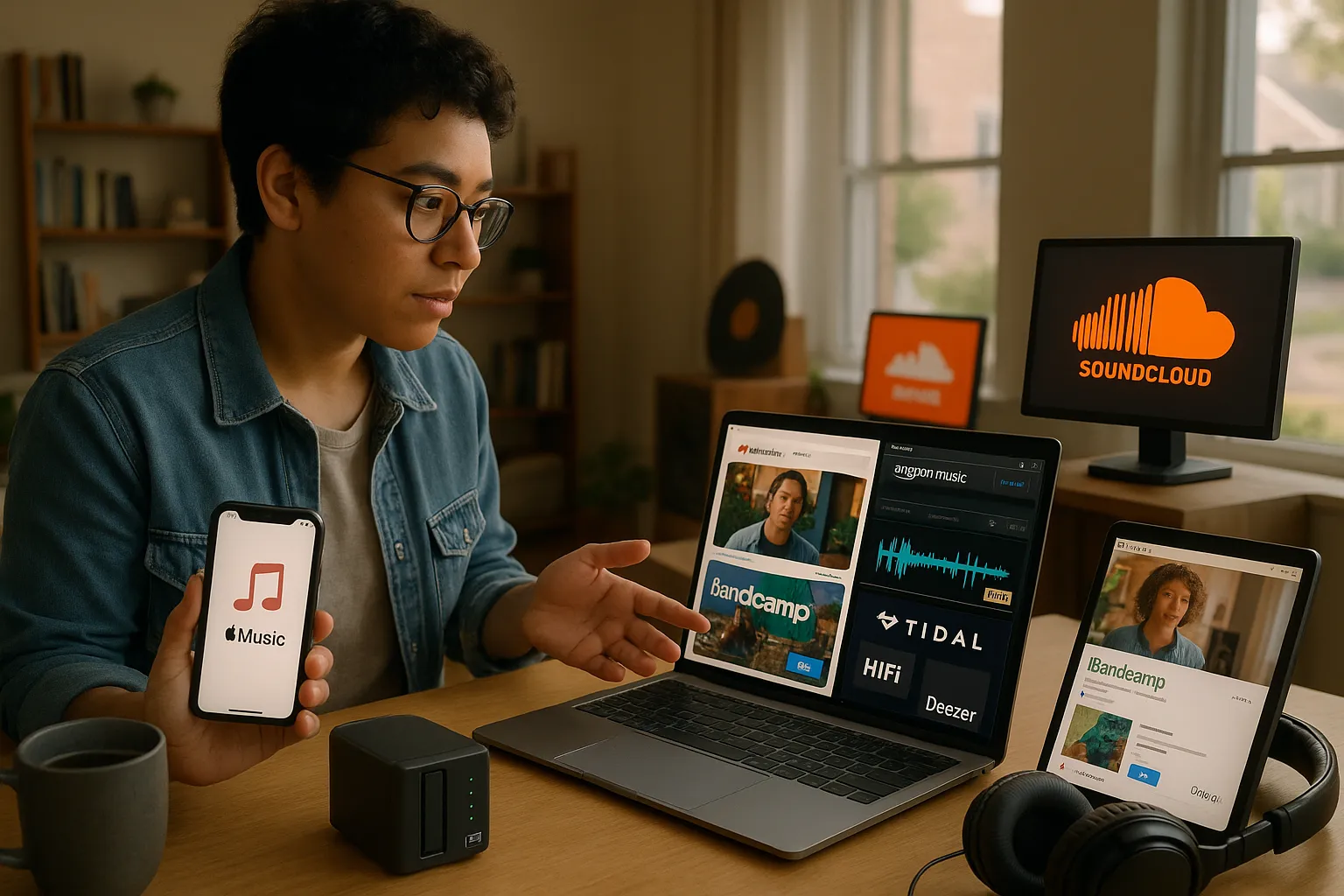
You want great music without being locked into one app. The good news: several services match or beat Spotify on sound quality, discovery, price, or artist support. Picture crisp lossless tracks on your morning run, direct payments landing in an indie artist’s account, or a self-hosted server streaming your entire vinyl rip collection to any device. This guide quickly points to practical choices, honest trade-offs, and the exact steps to move your playlists and podcasts. Read on to find the best alternatives to Spotify that fit how you listen, where you listen, and how much you want to spend.
Quick Comparison: At a Glance
Fact: Different services excel at different things, no single app is ideal for every listener.
If you need a quick snapshot, here it is: Apple Music is best if you use Apple devices: YouTube Music wins for video and discovery: Amazon Music best serves Prime members: Tidal targets audiophiles with high-resolution streams: Deezer offers HiFi at a lower price. For direct artist support, Bandcamp stands out. For emerging artists and remixes, SoundCloud leads. If you prefer full control, Plex, Ampache or Funkwhale let you self-host.
This section prepares you to pick by highlighting the main benefit of each option. Keep reading for pros, cons, and migration tips.
Major Streaming Alternatives
text
Apple Music, Best For Ecosystem Users
Fact: Apple Music integrates tightly with iOS, macOS, HomePod, and Apple Watch.
Apple Music gives you lossless audio and spatial audio for many tracks, exclusive releases occasionally, and strong playlist curation. If you own an iPhone, AirPods, or Apple TV, the app feels native and reliable.
Apple Music Pros
Deep integration with Apple devices and Siri.
Large catalog (over 90 million tracks) and lossless options.
Family and student plans: bundled via Apple One.
Apple Music Cons
Less flexible cross-platform support than Spotify.
Some social and playlist sharing features are weaker.
Discovery can favor editorial picks over grassroots discoveries.
YouTube Music, Best For Video Integration and Discovery
Fact: YouTube Music ties streaming to a massive YouTube catalog of live performances and unofficial uploads.
YouTube Music surfaces live shows, covers, and remixes that rarely appear on Spotify. You can flip between audio and video and find rare performances quickly.
YouTube Music Pros
Excellent for video-backed discovery and rare content.
Seamless transition to YouTube Premium for ad-free video.
App interface can feel cluttered with video-first content.
Offline downloads and library syncing sometimes behave oddly.
Amazon Music, Best For Prime Subscribers
Fact: Amazon Music includes two main tiers: Prime Music (included with Prime) and Amazon Music Unlimited (full catalog).
If you already pay for Amazon Prime, Prime Music gives you a decent catalog at no extra cost. Upgrading to Unlimited adds HD and Ultra HD streams for audiophiles.
Amazon Music Pros
Value for Prime members.
HD and Ultra HD streaming available.
Integrates with Alexa devices.
Amazon Music Cons
App experience varies across platforms.
Social and playlist features are less polished than Spotify.
Catalog gaps exist for some indie labels.
Tidal, Best For Audiophiles
Fact: Tidal offers true lossless and Master Quality Authenticated (MQA) files for high-resolution listening.
Tidal markets itself on paying higher royalties and delivering superior sound. If you use a DAC or premium headphones, you’ll notice the difference.
Tidal Pros
HiFi and Master-quality streams.
Artist payouts are positioned as more artist-friendly.
Strong editorial content and curated hi-res playlists.
Tidal Cons
Pricier than mainstream alternatives.
Mobile data usage is high for hi-res streams.
Catalog parity with Spotify isn’t perfect: some tracks still missing.
Deezer, Best For HiFi on a Budget
Fact: Deezer offers HiFi lossless streams at a competitive price compared to Tidal.
Deezer combines solid playlists, Flow personalized mixing, and a lower-cost HiFi tier. It’s a practical choice if you want lossless without Tidal’s price tag.
Deezer Pros
Lossless HiFi plan at a modest price.
Flow offers personalized long-form mixes.
Broad device support including Sonos and smart TVs.
Deezer Cons
Discovery algorithms are less refined than Spotify’s.
Occasional gaps in exclusive content.
Desktop app is less polished than some rivals.
Niche and Independent Options
Bandcamp, Best For Supporting Artists Directly
Fact: Bandcamp pays artists directly and lets them set prices for downloads and merch.
If you want to support musicians, buy music and merch on Bandcamp. Artists often keep a much larger share of sales there than on streaming services.
SoundCloud, Best For Emerging Artists and Remixes
Fact: SoundCloud hosts a huge range of uploads from emerging artists, DJs, and remixers.
SoundCloud is where new sounds appear first. You’ll find remixes, bootlegs, and unsigned artists that larger services miss.
Bandcamp & SoundCloud Pros
Direct artist support (Bandcamp).
Huge library of rare and user-uploaded material (SoundCloud).
Great for discovering underground genres and new talent.
Bandcamp & SoundCloud Cons
Not ideal for background, curated radio-style listening.
No unified cross-service library: you’ll juggle apps.
Mobile apps and offline features are limited compared to major streamers.
Local, Open-Source, and Self-Hosted Alternatives
Plex/Ampache/Funkwhale, Best For Personal Libraries
Fact: Self-host solutions let you keep and stream your own files from any device.
Plex, Ampache, and Funkwhale let you host your ripped CDs, FLACs, and personal mixes. You control privacy, metadata, and streaming quality.
Libre.fm and Other Open Alternatives
Fact: Libre.fm aims to be an open scrobbling and streaming option with a community focus.
Open projects prioritize user freedom, privacy, and data portability. They often pair with open-source clients and community-run servers.
Pros and Cons of Self-Hosted Solutions
Pros: Total control over your library, no recurring fees, privacy.
Cons: Requires setup and maintenance, hardware or hosting cost, and less polished interfaces.
If you like tinkering and you own a lot of lossless files, self-hosting may be liberating.
How to Choose the Right Spotify Alternative
Key Factors to Consider (Sound Quality, Catalog, Cost, Devices)
Fact: Choose by matching features to your priorities.
Start with sound quality: if you want lossless, select Tidal, Deezer HiFi, or Apple Music lossless. For catalog size and mainstream playlists, Apple Music, Amazon Music, and YouTube Music are strong. For cost, weigh Prime bundling or family plans. For devices, confirm app support for your phone, car, and smart speakers.
Use Cases: Commuters, Audiophiles, Casual Listeners, Creators
Fact: Different listeners have distinct needs.
Commuters: prioritize battery-friendly apps and offline downloads (you’ll like Spotify alternatives with stable offline sync).
Audiophiles: prioritize lossless and high-res, pick Tidal or Deezer HiFi.
Casual listeners: pick services with strong playlists and smart radio (Apple Music or YouTube Music).
Creators: choose platforms that ease uploads and royalties (SoundCloud and Bandcamp are great starting points).
Switching Over: Playlists, Libraries, and Account Migration
Tools and Steps to Transfer Playlists and Saved Music
Fact: You can move most playlists using third-party tools.
Use services like Soundiiz, TuneMyMusic, or FreeYourMusic to transfer playlists between Spotify and other platforms. Steps: export your Spotify playlists via the tool, map tracks to the new service, then sync. Expect occasional missing tracks due to catalog differences. I once transferred 300+ songs and about 12 tracks failed, you’ll encounter gaps sometimes.
Dealing With Podcasts, Offline Tracks, and Family Plans
Fact: Podcasts and DRM-protected downloads rarely transfer automatically.
Podcasts: you can subscribe to RSS feeds in many podcast apps, but in-app subscriptions don’t always move. Offline DRM tracks: you can’t migrate DRM-protected files: you’ll need to re-download within the new service. Family plans: compare pricing and member limits: you might save by aligning plans with household device ecosystems.
Pricing, Plans, and Device Compatibility Compared
Summary Table of Typical Plans and Supported Platforms
Fact: Prices and support vary: check current offers before you commit.
Service
Typical Monthly Price (Individual)
HiFi/Lossless
Platforms
Apple Music
$10.99
Yes (lossless, spatial)
iOS, Android, macOS, Windows, CarPlay
YouTube Music
$10.99
Limited
iOS, Android, Web, Google Cast
Amazon Music
$10.99 (Prime includes limited tier)
Yes (Ultra HD)
iOS, Android, Echo, Fire TV
Tidal
$10.99 / $19.99 (HiFi)
Yes (MQA)
iOS, Android, Desktop, HiFi devices
Deezer
$10.99 / $14.99 (HiFi)
Yes
iOS, Android, Sonos, Desktop
Bandcamp / SoundCloud
Varies (purchase or subscription)
Depends
Web, iOS, Android
Prices change frequently: student, family, and bundled discounts often apply.
Saving Money: Trials, Student Discounts, and Bundles
Fact: Trials and bundles cut costs significantly.
Look for free trials (usually 1–3 months), student discounts (often 50%), and bundles (Apple One, Amazon Prime). Bundle with video or cloud storage when available to reduce total spend. If you switch, pause one service trial while testing another so you don’t pay for both.
Which Alternative Is Right For You?
Best Pick For Most Users, Audiophiles, Budget-Conscious, and Creators
Fact: One size doesn’t fit all, choose by primary need.
Most users: Apple Music or YouTube Music for broad catalogs and strong discovery.
Audiophiles: Tidal (Master) or Deezer HiFi for high-res listening.
Budget-conscious: Amazon Prime (if you already have Prime) or Bandcamp for pay-what-you-want purchases.
Creators and indie fans: Bandcamp and SoundCloud for direct support and uploadability.
How to Test an Alternative Without Losing Your Library
Fact: You can test most services while keeping Spotify active.
Run parallel trials: keep Spotify while you trial Apple Music or Tidal. Use FreeYourMusic or Soundiiz to export playlists as a safety copy. Test offline syncing, device support, and everyday discovery for at least two weeks before you cancel. If you rely on podcasts, confirm RSS subscriptions port over first.
If you switch, expect a small amount of friction, a few missing songs, re-subscribed podcasts, or account settings to reconfigure. That’s normal. Try one change at a time and you’ll settle in fast.
To provide the best experiences, we use technologies like cookies to store and/or access device information. Consenting to these technologies will allow us to process data such as browsing behaviour or unique IDs on this site. Not consenting or withdrawing consent, may adversely affect certain features and functions.
Functional
Always active
The technical storage or access is strictly necessary for the legitimate purpose of enabling the use of a specific service explicitly requested by the subscriber or user, or for the sole purpose of carrying out the transmission of a communication over an electronic communications network.
Preferences
The technical storage or access is necessary for the legitimate purpose of storing preferences that are not requested by the subscriber or user.
Statistics
The technical storage or access that is used exclusively for statistical purposes.The technical storage or access that is used exclusively for anonymous statistical purposes. Without a subpoena, voluntary compliance on the part of your Internet Service Provider, or additional records from a third party, information stored or retrieved for this purpose alone cannot usually be used to identify you.
Marketing
The technical storage or access is required to create user profiles to send advertising, or to track the user on a website or across several websites for similar marketing purposes.