
Best Alternatives To QuickBooks
Quick fact: many small businesses outgrow QuickBooks or find its pricing and features mismatched to their needs. You might pay for features you never use, wrestle with confusing plans, or want better invoice, payroll, or bank-sync behavior. This article compares practical choices so you can pick a tool that fits your workflow, budget, and growth plans. Expect clear trade-offs, real user issues, and action-oriented guidance, so you leave with a shortlist, not more questions.
Why Consider Alternatives To QuickBooks
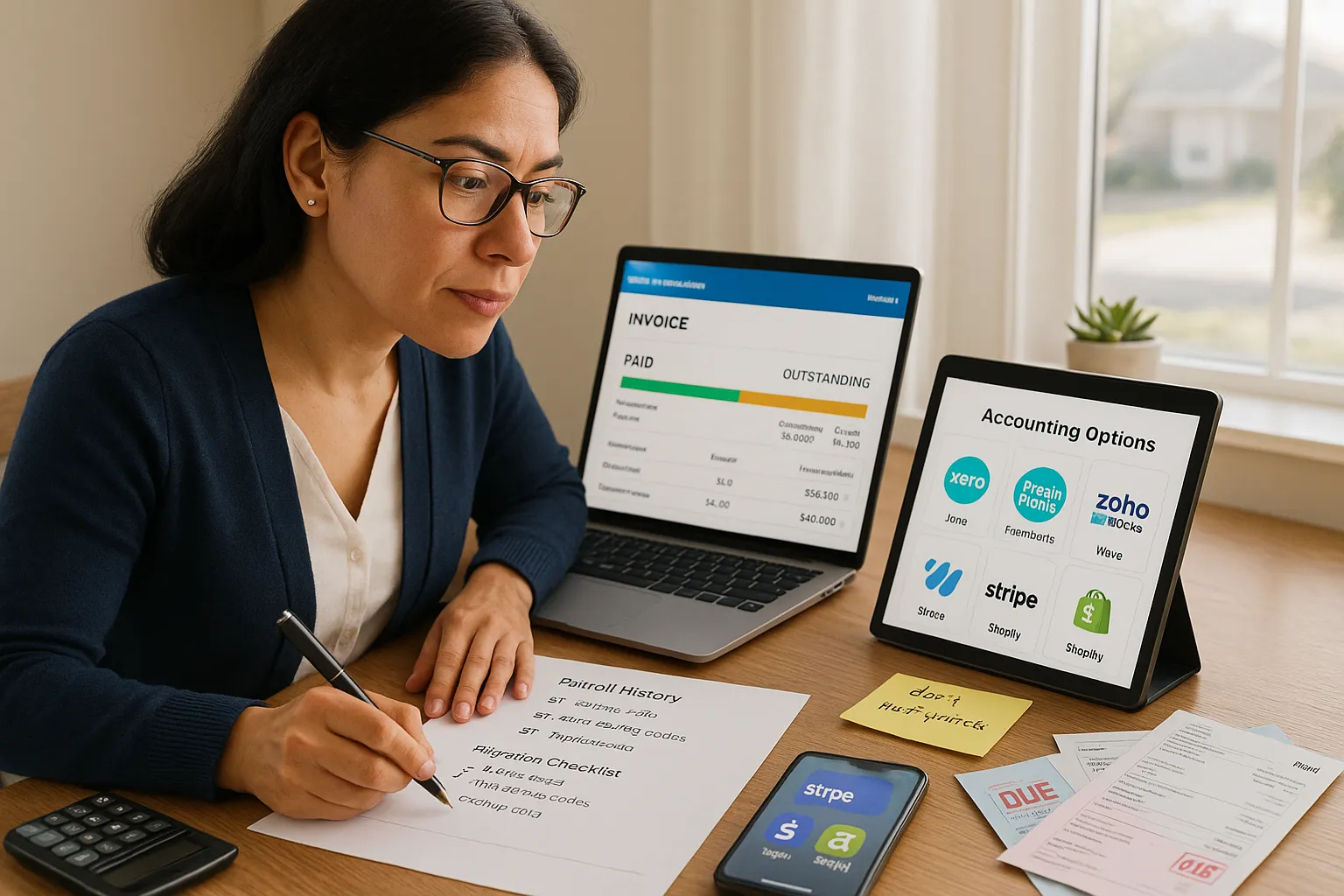
Fact: QuickBooks is not the best fit for every business. Many users report rising costs, a bloated interface, or limited customer support for certain plans. If your priorities are lower cost, simpler invoicing, or stronger bank reconciliation, you should evaluate other options.
Costs and plans matter. QuickBooks often shifts features between tiers: you may lose payroll, time tracking, or multi-currency without upgrading. That increases monthly spend. For example, a freelancer who needs fast invoicing and basic expense tracking will usually pay for features they don’t use.
Performance and usability matter. Some owners say QuickBooks feels slow, especially with large transaction volumes. You want an app that loads fast, makes entry simple, and shows clear reports when you ask for them.
Integrations and ecosystem matter. If you use Shopify, Square, Gusto, or Stripe, check how each accounting app connects. Xero and Zoho Books offer broad integrations. FreshBooks focuses on invoicing apps and time tracking. Wave integrates natively with payment processing for freelancers.
Security and compliance matter. QuickBooks has strong security, but many alternatives match industry standards (AES encryption, SOC reports). Still, verify bank connection security and data export options before migrating.
Vulnerable moment: I’ve seen businesses switch mid-quarter and regret it because their payroll history or tax categories didn’t map cleanly. Plan migration and export your historical data first. Missing details can create headaches when you file taxes.
What to expect: this article outlines practical pros, cons, and real trade-offs for top alternatives so you can choose with confidence.
How To Choose The Right QuickBooks Alternative
Answer: match features to your specific needs before you compare price. Start by listing the core tasks you perform: invoicing, payroll, time tracking, multicurrency, inventory, or project billing.
Step 1, Define core tasks. Write the main actions you do each week. This creates objective filter criteria.
Step 2, Prioritize integrations. If you use Shopify, Gusto, or Square, note those names and check native connectors. An app that syncs automatically saves hours.
Step 3, Check reporting and export. Make sure you can get Profit & Loss, Balance Sheet, and CSV exports. If you work with an accountant, ask which formats they prefer.
Step 4, Test real workflows. Use a trial to enter a handful of invoices, reconcile a bank feed, and run payroll if needed. Trials reveal hidden friction.
Step 5, Consider total cost of ownership. Factor in monthly fees, transaction fees (payments), and the time cost of manual workarounds.
Practical tip: choose one or two “deal-breaker” features (e.g., multi-currency or inventory). If an app lacks a deal-breaker, remove it from your shortlist.
Warning: don’t pick solely on price. A cheaper tool can cost you time if it lacks essential automation.
This selection process will help you narrow the list to the best alternatives to QuickBooks for your situation.
Xero — Cloud Accounting For Growing Small Businesses
Fact: Xero is designed for small businesses that expect growth and need solid bank reconciliation plus strong integrations. Xero offers double-entry accounting, automatic bank feeds, and a large marketplace of apps.
What Xero does well: Xero makes reconciliation fast with a clear bank feed view and suggested matches. If you use Stripe, PayPal, or Shopify, the integrations usually sync smoothly. Accountants like Xero because it supports detailed chart of accounts and accountant collaboration features.
Pricing and tiers: Xero offers multiple tiers, including a starter plan for simple invoicing and higher tiers for unlimited invoicing and multi-currency. Expect to pay more than basic freelancer tools, but you gain stronger reporting.
When to choose Xero: pick Xero if you need robust accounting (double-entry), you have an accountant, or you plan to scale. It is a good fit for retailers, service businesses, and companies that add inventory modules.
Limitations: Xero can feel complex for solo freelancers who only need simple invoicing. Also, payroll availability depends on country and sometimes requires a separate partner app.
Real example: A design agency I worked with moved from QuickBooks Online to Xero because their client billing needed multi-currency and their bookkeeper preferred Xero’s reconciliation workflow. After migration they cut monthly reconciliation time by about 40%.
Migration note: export trial balance, invoices, and contacts. Xero provides import tools, but you should map account codes carefully to avoid mismatches.
FreshBooks — Invoicing-Focused, Easy-To-Use Option
Fact: FreshBooks centers on invoicing, time tracking, and client communication. It is easiest for freelancers and small service teams who bill hourly or by project.
What FreshBooks does well: FreshBooks offers polished invoices, automated reminders, and simple time tracking built in. You can convert hours to invoices with one click. The UI is clean: you won’t need a steep learning curve.
Pricing and tiers: FreshBooks prices scale with client and feature needs. Expect to pay more if you need advanced proposals, team time tracking, or multiple billable clients.
When to choose FreshBooks: choose FreshBooks if invoicing and client-facing workflows are your top priorities. Photographers, consultants, and small agencies often prefer it because it reduces friction with clients.
Limitations: FreshBooks lacks complex accounting features like inventory management and full double-entry sophistication. If you need complex tax reporting or deep bookkeeping controls, FreshBooks may fall short.
Real example: A freelance web developer I know switched from QuickBooks to FreshBooks because he needed faster invoicing and simpler expense capture. He said “my clients pay faster now.” That improved cash flow within two months.
Migration tip: export invoices and client records, then import into FreshBooks. Keep copies of historical QuickBooks reports for tax season, just in case.
Wave — Free Accounting For Freelancers And Very Small Businesses
Fact: Wave offers a free accounting core, income, expenses, and invoicing, making it ideal for freelancers and microbusinesses on a tight budget. Paid add-ons include payments and payroll.
What Wave does well: Wave provides straightforward bookkeeping, simple invoicing, and receipt capture without a subscription fee. That makes it a strong contender if your budget is the main constraint.
Pricing and tiers: core accounting is free. Wave charges transaction fees for card and ACH payments, and payroll is either a per-employee fee or run-through a partner depending on location.
When to choose Wave: choose Wave if you are a freelancer, independent contractor, or a small business with basic needs and limited budget. Wave works well for sole proprietors who don’t need advanced inventory or multi-currency.
Limitations: Wave’s reporting and advanced features are more limited than Xero or QuickBooks. Customer support is mostly online and can be slower than paid alternatives.
Real example: A copywriter I know used Wave for two years to avoid monthly software costs. She manually reconciled once a month and used Wave’s free invoice templates. She reported that fees on card payments were the only real expense.
Practical warning: Wave works well until your business scales. If you grow to multiple contractors or need integrated payroll, you’ll likely outgrow it and face re-migration.
Zoho Books — Affordable, Integrated Suite For Scaling Teams
Fact: Zoho Books is part of the Zoho suite and offers strong value when you want accounting plus ERP-like modules at a lower price. Zoho Books integrates cleanly with Zoho CRM, Zoho Inventory, and third-party apps.
What Zoho Books does well: Zoho Books gives you invoicing, inventory tracking, project billing, and purchase orders in one place. It also supports automation rules, workflow approvals, and multi-currency.
Pricing and tiers: Zoho Books is typically more affordable than QuickBooks at similar feature levels. You can add Zoho Inventory or CRM for expanded capability without juggling multiple vendors.
When to choose Zoho Books: choose Zoho Books if you value integrated apps (CRM, inventory) and want good automation at a modest price. Small product companies and service firms that use Zoho CRM will find it a natural fit.
Limitations: Zoho’s interface can feel dense: the initial setup requires time. Also, third-party integrations outside the Zoho ecosystem may require middleware.
Real example: A small ecommerce seller moved from QuickBooks to Zoho Books to sync inventory with Zoho Inventory. They kept better stock counts and reduced overselling. The trade-off: initial setup took a weekend.
Migration tip: export customers, vendors, and chart of accounts from QuickBooks. Use Zoho’s import templates and test in a sandbox before switching live. Expect to spend time on mapping SKUs and tax codes.

- Olive Oil Alternatives: When Olive Oil Is the Wrong Tool, and What to Use Instead - March 23, 2026
- The Difference Between Bridge and Whist: How to Tell Them Apart Fast for Parents - March 23, 2026
- Best Substitute for Sherry Vinegar - March 23, 2026
by Ellie B, Site Owner / Publisher