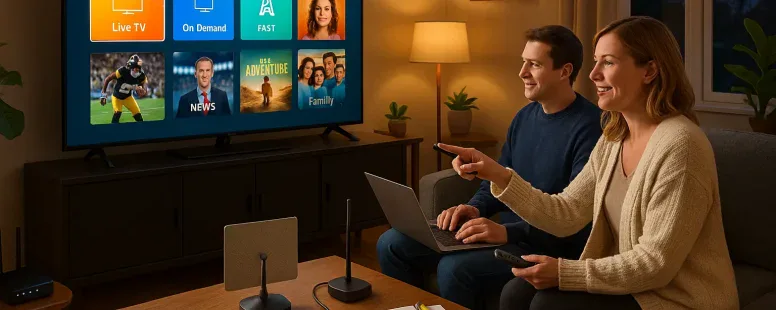
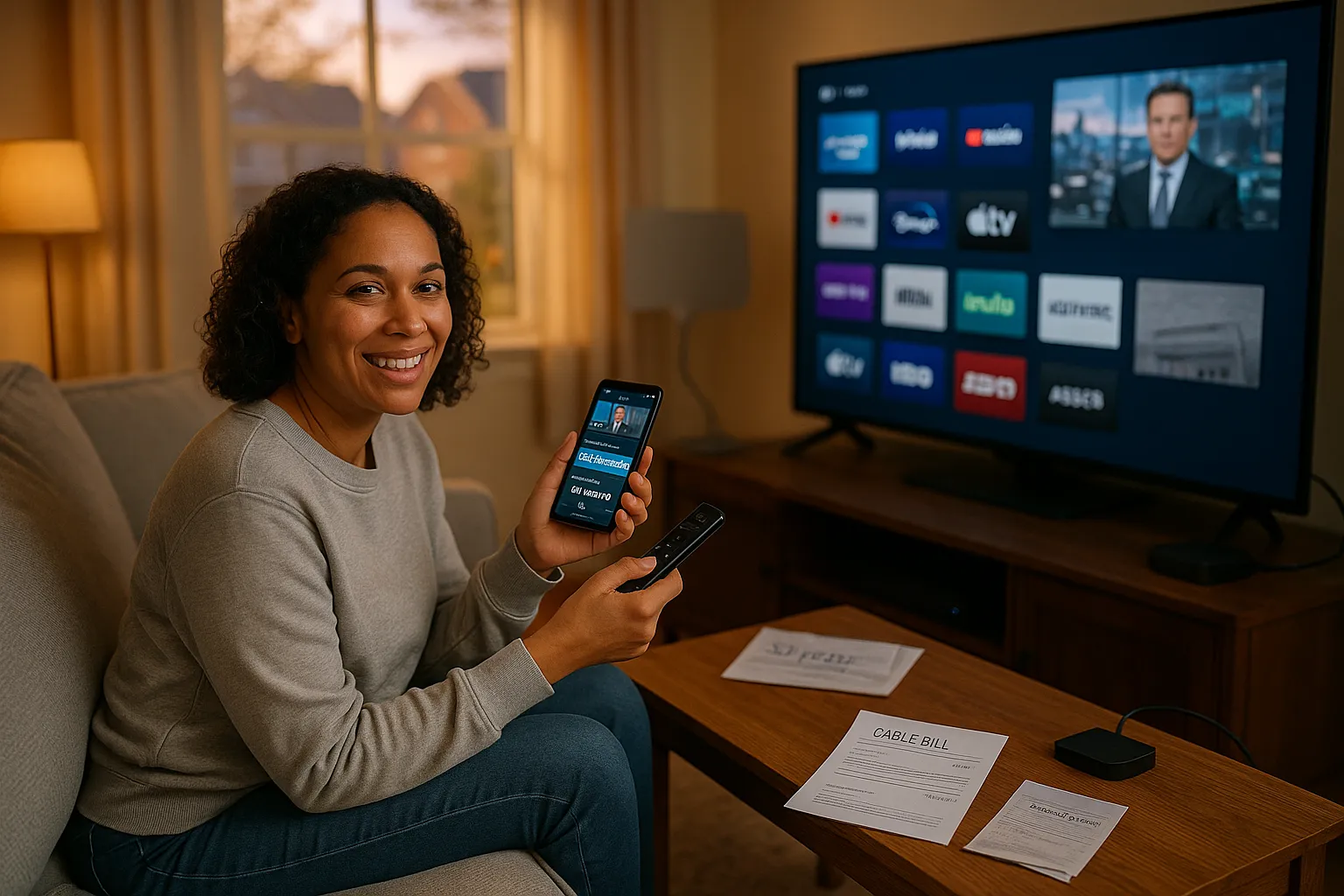
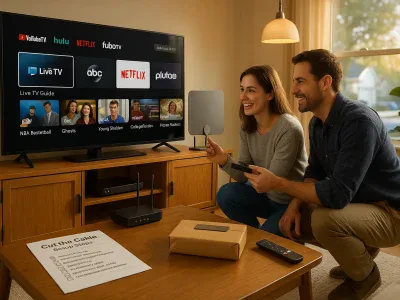
You can cut the cord without sacrificing what you watch. As cable bills climb and channel bundles bloat, more people look for the best alternatives to cable TV that save money, boost flexibility, and give you control over content. Picture mornings without an auto-renewing bill: you pick services by show, not by package. This article maps the practical options, live streaming, on-demand platforms, free ad-supported apps, antennas, and niche services, so you can assemble a setup that fits your budget, devices, and daily habits.
Why Consider Cable Alternatives
Fact: Many households save money and gain flexibility after switching from cable. Cable subscriptions average over $100 per month in the US (Leichtman Research Group data), while a combination of streaming services plus an antenna often costs far less.
Switching reduces recurring fees and gives you choice. You’ll stop paying for channels you never watch. You’ll also get features like cloud DVR, user profiles, and mobile viewing that many cable plans charge extra for. But the trade-off is that content fragments across services: you might need multiple subscriptions to cover everything you want.
Common motivations: cost savings, better apps, fewer contracts, and the ability to watch on many devices. Real experience: one friend replaced cable with a $15 per month live TV service plus Netflix and said he saved about $70 each month, yet he missed one local morning show until he added an antenna. That gap is typical and solvable.
Anticipated follow-ups: How much will you save? Which services cover live sports and news? Those topics are covered in the sections below, with clear examples and comparison tips.
Live TV Streaming Services (Cord-Cutter Options)
Fact: Live TV streaming services deliver real-time channels over the internet and often include cloud DVR. They replace traditional cable for viewers who want channels and live sports.
Live services fill the space between cable and fully on-demand libraries. Examples include YouTube TV, Hulu + Live TV, Sling TV, and FuboTV. They package local affiliates, national networks, and sports channels into monthly plans.
Examples: Popular Live TV Services And What They Offer
YouTube TV: strong local channel coverage, 9-months of unlimited DVR historically, good for families.
Hulu + Live TV: bundles Hulu’s on-demand library with live channels and Disney+ for a combined offer.
Sling TV: cheaper entry plans (Orange and Blue) that let you pick add-on channel packs.
FuboTV: sports-forward, with regional sports networks and international soccer coverage.
Each service names channels, device apps, and DVR specifics on their sites. Check availability in your ZIP code and note that local channels vary by market.
Pros And Cons Of Live TV Streaming
Pros: You get live sports, news, and scheduled programming. Cloud DVR is often included. You keep a channel lineup similar to cable.
Cons: Costs can approach cable if you add premium channels. Some services lack certain locals or regional sports networks. Network blackouts or carriage disputes can happen.
Who Should Choose A Live TV Service
Choose live TV if you watch scheduled sports, live news, or prefer channel surfing. It’s also right for households that need multiple simultaneous streams and a DVR. If you mainly watch series and movies on demand, a live service may be overkill.
On-Demand Streaming Platforms
Fact: On-demand services host libraries of series and movies you watch at any time. Netflix, Amazon Prime Video, Disney+, and HBO Max are leading options.
These platforms focus on bingeable shows, original movies, and deep catalogs. They remove the need to follow schedules and often produce exclusive content you can’t find elsewhere.
Examples: Major On-Demand Services And Strengths
Netflix: vast original series and licensed content: strong recommendation algorithms.
Amazon Prime Video: includes Prime benefits, a mix of originals and rentable titles.
Disney+: best for Disney, Pixar, Marvel, and Star Wars catalogs.
HBO Max: prestige TV and theatrical releases: strong for adult dramas.
Each service has strengths: family content, prestige shows, or cinematic releases. Price and library change, so check current catalogs and trial offers.
When On-Demand Streaming Is The Right Choice
Use on-demand services if you prefer watching shows on your own schedule. They’re ideal for binge-watching, catching up on series, and following exclusive originals. If live sports and local news are not critical, you’ll likely save money and enjoy better content discovery.
Free And Ad-Supported Streaming (FAST) Services
Fact: FAST services offer free content with ads and often provide curated channels and on-demand libraries. Pluto TV, Tubi, Peacock (free tier), and Samsung TV Plus lead this space.
These services expand rapidly and include everything from classic movies to live channels with scheduled lineups. They work well as low-cost complements to paid subscriptions.
Notable Free Services And What You Can Expect
Pluto TV: live-style channels and on-demand films.
Tubi: large movie and TV catalog with targeted ads.
Peacock (free): selected NBC content and Peacock’s ad-tier originals.
You should expect ads, intermittent content rotation, and variable video quality compared to paid tiers.
Tips For Making Free Services Work For You
Organize apps on your home screen so you can flip between free channels quickly. Use free services for background TV, older shows, or discovering new titles before buying a subscription. Combine two or three FAST apps to cover more genres. Keep expectations realistic, don’t expect the latest theatrical release without upgrade.
Over-The-Air Antenna For Local Channels
Fact: A simple antenna can provide free local broadcast channels in high definition. With an OTA antenna you get ABC, CBS, NBC, FOX, PBS, and local affiliates depending on distance and terrain.
Antennas cut costs and ensure access to breaking local news and major sports events that air over broadcast networks. The setup is usually one-time: buy an antenna and install it indoors or on the roof.
Setting Up An Antenna And Coverage Expectations
Find stations with tools like the FCC’s DTV Reception Maps or AntennaWeb. Pick an indoor amplified antenna for urban areas: choose an outdoor or rooftop unit for rural locations.
Mount the antenna high and point it toward the cluster of broadcast towers. Run a channel scan on your TV to find available stations. Expect HDTV quality and zero subscription fees, though reception can vary with weather.
Pros, Cons, And Best Use Cases For OTA
Pros: free locals, superior picture for some channels, one-time cost.
Cons: limited channels (no cable nets), signal affected by distance and obstacles. Best when you need reliable local news and network shows without paying monthly fees. Many cord-cutters combine OTA with streaming to cover both local and niche needs.
Niche And Specialty Options (Sports, International, Gaming)
Fact: Niche services deliver focused content like specific sports leagues, foreign-language programming, or game streaming. These options plug gaps mainstream services miss.
You can add ESPN+, NFL Game Pass, DAZN, or specialty bundles like ViX for Spanish content, or Crunchyroll for anime. Game-streaming platforms include Twitch and Netflix’s gaming experiments.
Examples: Sports Packages, International Bundles, And Game Streaming
ESPN+: streaming for select sports and exclusive events.
NFL+: live out-of-market play and condensed games depending on region.
DAZN: soccer and combat sports in several markets.
Crunchyroll and Funimation: anime catalogs and simulcasts.
Twitch: live gaming, esports, and community channels. These services often run monthly plans or seasonal passes.
When To Add A Niche Service
Add niche services when a core service misses key content you value, like a specific league, language programming, or fandom. Test with short subscriptions during a season or event. If you watch rarely, consider pay-per-view or rentals instead of a recurring fee, because small, ongoing costs add up quickly.
How To Choose The Right Alternative For Your Home
Fact: The right mix depends on your budget, who watches, and what you watch most. Start by listing must-have channels, primary shows, and device needs.
Make choices based on clear criteria: cost, content coverage, device support, and DVR features. Be honest about viewing habits, do you watch live sports or mostly scripted shows?
Budget Checklist And Cost Comparison Tips
List current cable cost. Price out 1–3 streaming services plus an antenna. Include taxes, add-ons (sports packages), and hardware.
Look for bundles: Disney bundle or Amazon Prime deals can lower per-service cost. Trial periods help test services before committing.
Match Content Needs, Device Compatibility, And Viewing Habits
Confirm apps work on your TV, streaming stick, or gaming console. Check simultaneous stream limits if multiple people watch. If you travel, ensure mobile access or offline downloads.
How To Combine Services For Complete Coverage
Common combos: OTA antenna + Netflix + a FAST service for general viewing. Or YouTube TV + Netflix for live and on-demand coverage. Add a niche sports service only during a season. Plan for seasonal changes and cancel or pause subscriptions when you don’t use them.
Devices, Hardware, And Connectivity Requirements
Fact: Your streaming experience depends on device choice and internet speed. A smooth setup uses a reliable streaming device and a broadband connection that matches your needs.
Modern smart TVs, Roku, Amazon Fire TV, Apple TV, and Chromecast run most apps. Choose a device that supports 4K if you want high resolution and supports your preferred platforms.
Recommended Streaming Devices And Smart TVs
Roku HD/4K models: broad app support and easy interface.
Amazon Fire TV Stick: strong Alexa integration and Prime Video features.
Apple TV: best for iPhone users and high-end apps.
Chromecast with Google TV: a flexible, affordable option with aggregated recommendations.
Smart TV brands (Samsung, LG, Sony) often include built-in apps but may lag in updates. A streaming stick is an inexpensive way to modernize an older TV.
Internet Speed And Network Tips For Smooth Streaming
Minimum speeds: 5 Mbps per stream for HD, 25 Mbps per stream for 4K. For households with multiple users, add bandwidth accordingly.
Use Ethernet for streaming boxes where possible, or place your Wi‑Fi router near streaming devices. If your Wi‑Fi is weak, add a mesh system or a Wi‑Fi 6 router. Limit background downloads during peak viewing to reduce buffering.
Vulnerable moment: when you first cut cable you might underestimate concurrent streams. One household underestimated and had choppy games during family movie night, upgrading the plan fixed it.
Now you can pick and mix from the best alternatives to cable TV with confidence. Try short trials, assemble a combo that matches your viewing, and adjust as you learn what you watch.
To provide the best experiences, we use technologies like cookies to store and/or access device information. Consenting to these technologies will allow us to process data such as browsing behaviour or unique IDs on this site. Not consenting or withdrawing consent, may adversely affect certain features and functions.
Functional
Always active
The technical storage or access is strictly necessary for the legitimate purpose of enabling the use of a specific service explicitly requested by the subscriber or user, or for the sole purpose of carrying out the transmission of a communication over an electronic communications network.
Preferences
The technical storage or access is necessary for the legitimate purpose of storing preferences that are not requested by the subscriber or user.
Statistics
The technical storage or access that is used exclusively for statistical purposes.The technical storage or access that is used exclusively for anonymous statistical purposes. Without a subpoena, voluntary compliance on the part of your Internet Service Provider, or additional records from a third party, information stored or retrieved for this purpose alone cannot usually be used to identify you.
Marketing
The technical storage or access is required to create user profiles to send advertising, or to track the user on a website or across several websites for similar marketing purposes.