Cutting the cord can save you money, reduce clutter, and give you control over what you watch, not least because streaming options have matured into fully usable replacements for traditional cable. Picture sitting down and picking exactly what you want: live sports, a late-night newscast, a blockbuster movie, or an indie series, all without a bulky cable bill. This guide maps the practical pathways: live TV replacements, on-demand platforms, free ad-supported services, hardware needs, and the exact steps to switch without losing a single important channel.
Why Cutting Cable Makes Sense Today
Fact: Most households now get TV content via streaming or over-the-air signals rather than traditional cable packages.
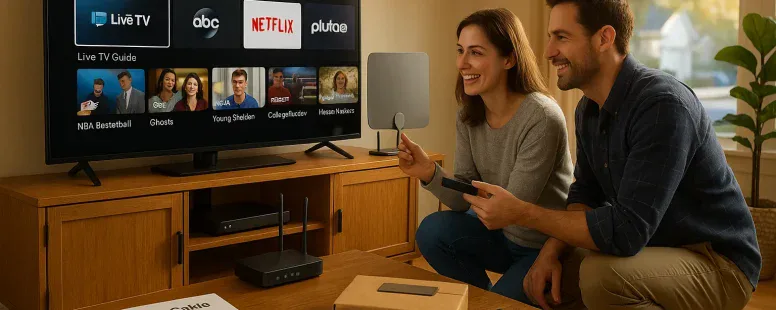
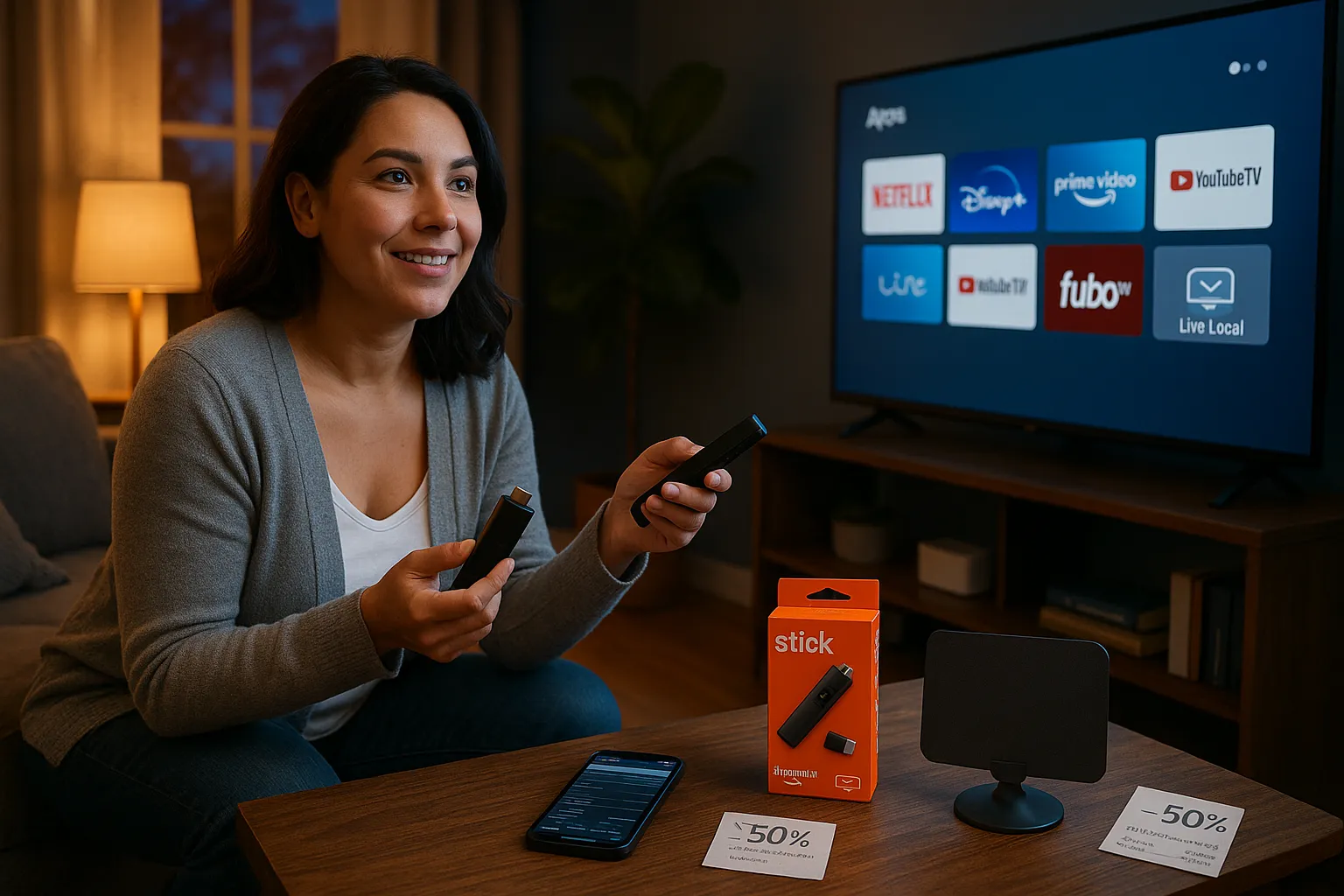
Cutting cable makes sense because your viewing options are flexible and often cheaper. Cable bundles used to lock you into hundreds of channels you never watched. Today, you pay for services that match your habits. For example, streaming services let you choose live sports, dedicated news feeds, or movie libraries. Also, hardware costs have fallen: a $30 antenna and a $50 streaming stick give you access to the major networks and dozens of apps.
You should weigh cost, control, and content. Cost: you can often cut monthly TV spending by 30–70% depending on choices. Control: you decide when and where to watch with cloud DVRs and mobile apps. Content: major shows and sports rights have migrated to streaming platforms, Netflix, Disney+, and Amazon Prime Video carry exclusive originals, while YouTube TV and fuboTV carry many live channels. These shifts make cord-cutting practical for most households, though you’ll want a clear plan to keep must-have channels and local news.
Live TV Streaming Services: Replacing Linear Channels
Fact: Live TV streaming services can replace linear cable by offering bundles of live channels with cloud DVR options.
Live TV services mimic cable’s linear experience while letting you skip the expensive bundle. Major players include YouTube TV, Hulu + Live TV, Sling TV, fuboTV, and DirecTV Stream, each with different channel mixes, DVR limits, and price points.
Overview Of Top Live TV Services
YouTube TV: Strong local channel coverage, unlimited cloud DVR, excellent for news and general entertainment. Hulu + Live TV: Combines Disney-owned streaming content with live channels: includes ESPN networks. Sling TV: Lower entry price with modular channel packs: good if you only want sports or a few cable networks. fuboTV: Sports-first service with robust local and international sports coverage. DirecTV Stream: Good bundle of channels similar to cable, often with promotions for new subscribers.
Best Options For Sports Fans
Fact: Sports rights are split, so pick services based on the leagues you follow.
If you watch NFL, college football, and mainstream US sports, Hulu + Live TV and YouTube TV are reliable. fuboTV stands out for international soccer, specialty sports, and multiple simultaneous game streams. For ESPN-heavy viewing, Hulu + Live TV and YouTube TV include ESPN networks: Sling Orange offers ESPN but limits simultaneous streams. Consider add-ons for regional sports networks (RSNs), some services offer them for extra fees.
Best Options For News And Local Channels
Fact: Local channel coverage varies by service and by ZIP code.
YouTube TV has the broadest local network coverage (ABC, CBS, NBC, FOX) across most markets. Hulu + Live TV and fuboTV also carry many locals, while Sling sometimes lacks certain affiliates. If local news and weather are essential, confirm availability in your ZIP code before switching.
On-Demand Streaming Platforms: Movies, Shows, And Originals
Fact: On-demand platforms host massive libraries and exclusive originals that replace much of cable’s entertainment value.
You should think of on-demand services as the backbone of modern viewing. They give you library shows, exclusive originals, and movie releases that would once drive a cable subscription. Mix and match to cover movies, dramas, and family content.
Best Services For Movies And Blockbusters
Fact: Some platforms get day-and-date movie releases: others host deep film catalogs.
Netflix and Max carry acclaimed films and a mix of studio and indie titles. Prime Video often has recent rentals plus Prime-included movies. Apple TV+ focuses on originals but occasionally co-distributes high-profile films. For latest theatrical releases or premium studio films consider premium add-ons like Starz, MGM+, or renting on Prime Video.
Best Services For TV Shows And Originals
Fact: Originals are a primary reason many viewers subscribe: exclusive shows can only be streamed on one platform.
Netflix leads in volume and variety of originals. Disney+ holds Marvel, Star Wars, and Disney library shows. Hulu hosts current-season network series and FX on Hulu content. HBO (Max) offers prestige dramas and a strong back catalog. If you want award-winning series, prioritize services that carry the creators and franchises you follow.
Budget-Friendly And Niche Streaming Picks
Fact: Niche services let you pay only for the content you love.
Peacock offers a free tier plus premium tiers with movies and sports. Paramount+ bundles ViacomCBS content and live CBS feeds for an extra charge. For niche, consider Shudder (horror), Crunchyroll (anime), or The Criterion Channel (classic and arthouse films). These low-cost picks keep monthly spend manageable while covering specific tastes.
Free Ad-Supported Services And Over-The-Air Antennas
Fact: Free ad-supported streaming (FAST) services and over-the-air (OTA) antennas can replace many cable channels at little or no cost.
If your priority is cost, combine FAST apps with an OTA antenna to cover news, local affiliates, and a broad set of channels without monthly fees.
Using An OTA Antenna For Local Channels
Fact: A decent OTA antenna can pull in local affiliates in most suburban and urban areas.
Place a HD antenna near a window facing broadcast towers. Brands like Mohu and Winegard cost $25–$150 depending on range. Use the FCC’s DTV Reception Maps to check signal availability. You’ll get ABC, CBS, NBC, FOX, PBS, and often CW: some markets include additional indie stations. OTA signals give you live local news and sports with zero recurring fees, but reception varies by terrain and distance.
Popular Free Ad-Supported Streaming Channels (FASTs)
Fact: FAST platforms host networks and on-demand libraries with ads, and they’re available on all major streaming devices.
Tubi, Pluto TV, The Roku Channel, Samsung TV Plus, and Xumo are the big FASTs. They offer thousands of hours of movies, classic series, and themed live channels. For news, services like NewsON and local station apps provide clips and some live feeds. FASTs keep costs down and fill the gaps after you drop cable.
Bundles, Internet Needs, And Required Hardware
Fact: Streaming well requires adequate internet speed, a reliable router, and the right streaming device or smart TV.
Your streaming experience depends on bandwidth and hardware. If you plan to stream 4K content or multiple streams at once, budget for faster internet and recent devices.
Recommended Internet Speeds And Data Considerations
Fact: Recommended speeds scale with video quality and the number of simultaneous streams.
For one HD stream, aim for at least 5 Mbps. For 4K, 25 Mbps per stream is recommended. If a household runs three concurrent HD streams, you need 15–25 Mbps minimum: for three 4K streams plan for 75 Mbps or more. Many ISPs advertise unlimited data, but some have caps: check for data caps if you stream heavily. Consider fiber or cable internet plans from providers like Xfinity, Verizon Fios, or AT&T for stable high-speed service.
Streaming Devices, Smart TVs, And DVR Solutions
Fact: A small streaming stick or set-top box unlocks apps and simplifies navigation.
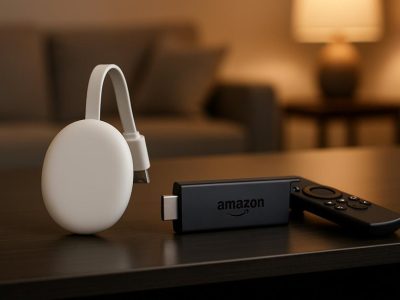
Popular devices: Roku, Amazon Fire TV Stick, Apple TV, and Chromecast with Google TV. Each supports major apps and FAST channels. Smart TVs from Samsung, LG, Sony, and Vizio include built-in platforms, but a separate device can be faster and provide more apps.
For DVR, many live TV services include cloud DVR (YouTube TV unlimited, Hulu limited but growing). If you prefer physical DVRs, look at Tablo or HDHomeRun paired with Plex DVR. Cloud DVRs simplify access across devices: physical DVRs give you local control and avoid subscription changes.
How To Choose The Right Combination For Your Household
Fact: The right streaming mix depends on viewing habits, budget, and must-have channels.
Start by listing what you can’t live without: local news, specific sports networks, or a streaming original. Then map services that provide those items and estimate monthly cost. Test services with free trials before committing.
Assessing Viewing Habits, Budget, And Must-Have Channels
Fact: A short audit of what you watch cuts waste.
Track a week of viewing. Note live events, recurring shows, and on-demand preferences. If you watch a lot of live sports, prioritize a service with RSNs and ESPN. If you mostly stream originals and films, focus on Netflix, Max, Disney+, and Prime. Set a budget and aim to beat current cable spend by 20–40%.
Sample Setups For Different Priorities (Budget, Sports, Family)
Fact: Sample combinations speed decision-making.
Budget setup: OTA antenna + Tubi/Pluto TV + one niche streaming service (e.g., Paramount+). Cost: often <$15/month.
Sports setup: YouTube TV or Hulu + Live TV + fuboTV add-on for international sports + a sports-centric app (e.g., NFL+, NBA League Pass). Expect $65–100/month.
Family setup: Disney+ + Netflix + Hulu (or Hulu with Live TV if you need live channels) + a good OTA antenna for locals. Expect $25–55/month depending on live TV needs.
Practical Steps To Switch From Cable Without Interruptions
Fact: You can cancel cable without service gaps by planning ahead, handling contracts, and preserving key accounts.
Make a checklist and follow it step by step to avoid surprises.
How To Cancel Cable Smartly And Keep Important Accounts
Fact: Timing and account notes prevent lost services and fees.
Confirm your replacement services are set up and tested on all household devices. 2. Transfer billing for internet-only service if your ISP bundled it with cable: call your provider to change the plan rather than canceling abruptly. 3. Record account numbers, note required equipment returns, and schedule the cable pickup or drop-off. 4. Keep streaming account usernames and passwords in a password manager. 5. If you need to keep phone or internet bundled discounts, ask your provider about an internet-only plan.
Avoiding Common Pitfalls (Contracts, Hidden Fees, Blackouts)
Fact: Early termination fees, blackouts, and hidden add-ons are common pain points when leaving cable.
Check for early termination fees on your contract and calculate whether paying the fee still saves money long-term. Ask about final bill details and confirm how and when equipment must be returned to avoid extra charges. For sports, blackouts can happen with league contracts: read blackout policies for the services you choose. And be wary of promotional pricing expiring, mark renewal dates on your calendar so you can reassess or cancel before the higher rate kicks in.
Published: March 7, 2026 at 12:51 pm by Ellie B, Site owner & Publisher
To provide the best experiences, we use technologies like cookies to store and/or access device information. Consenting to these technologies will allow us to process data such as browsing behaviour or unique IDs on this site. Not consenting or withdrawing consent, may adversely affect certain features and functions.
Functional
Always active
The technical storage or access is strictly necessary for the legitimate purpose of enabling the use of a specific service explicitly requested by the subscriber or user, or for the sole purpose of carrying out the transmission of a communication over an electronic communications network.
Preferences
The technical storage or access is necessary for the legitimate purpose of storing preferences that are not requested by the subscriber or user.
Statistics
The technical storage or access that is used exclusively for statistical purposes.The technical storage or access that is used exclusively for anonymous statistical purposes. Without a subpoena, voluntary compliance on the part of your Internet Service Provider, or additional records from a third party, information stored or retrieved for this purpose alone cannot usually be used to identify you.
Marketing
The technical storage or access is required to create user profiles to send advertising, or to track the user on a website or across several websites for similar marketing purposes.